LCP is usually the last metric to fall in line.
You can tighten the JavaScript, defer the scripts, preload your CSS, and watch the rest of Core Web Vitals turn green. LCP just sits there. And usually, it's the hero image.
What LCP measures
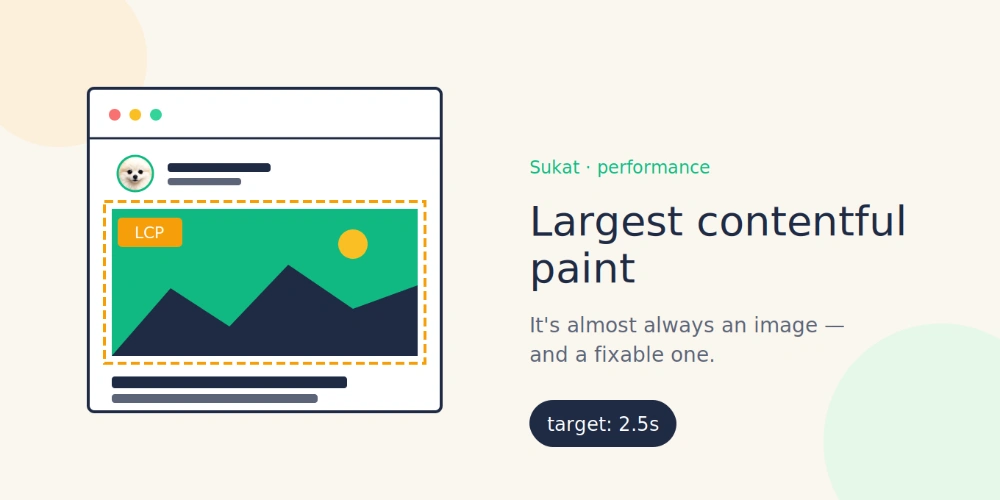
Largest Contentful Paint is when the browser finishes painting the biggest visible thing on the page, before the user scrolls. "Biggest" means area in pixels. Whatever covers the most of your screen at first viewport.
Google's thresholds:
- Under 2.5s: good
- 2.5 to 4s: needs work
- Over 4s: bad
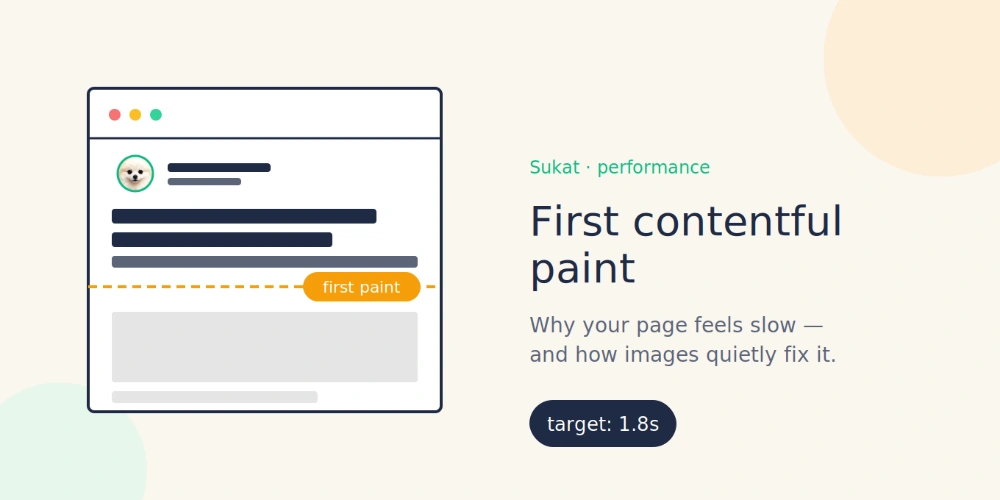
The metric exists because older speed numbers (TTFB, FCP) didn't actually capture how a user perceives the page. A page can have a green FCP and still feel broken if the hero hasn't painted. LCP catches that.
Why the image, every time
The math is straightforward. A 1600px-wide hero photo covers more screen real estate than any headline or paragraph. The metric picks it. Then it times how long that element takes to download, decode, and paint. For images, that's meaningfully longer than for text.
Open DevTools and look at what's flagged as the LCP element on a slow page. You'll see it. The hero. Almost every time. If you'd rather not dig through the Network panel by hand, Sukat Inspector lists every image on a page with its real fetched size, so the heavy one is obvious at a glance.
Text can be the LCP on long-form articles or documentation. But on landing pages, product pages, and homepages, anything image-driven, it's a picture.
What you actually fix
Two things.
Compression. Most images on the web are saved at quality 100. A human eye can't tell quality 100 from quality 80 in normal use. The file at quality 80 is half the bytes. That's a free win nobody takes.
Format. WebP delivers the same visual quality as JPEG at 25-35% less file size. AVIF goes further. Every modern browser supports WebP. If your WordPress site is still serving PNG for product photos, you're paying for it in LCP, and there's no good reason.
Combine the two and a 2MB JPEG becomes a 200KB WebP that looks identical. That's the fix.
The reason it doesn't happen on most sites: doing it by hand is brutal. Open the image. Pick a quality setting. Export. Generate the WebP. Add a fallback. Update the HTML or the CMS to serve the right format to the right browser. For one image, fine. For a whole site, no.
How Sukat fits in
Sukat is the tool I built because I was tired of doing the above by hand.
You drop an image in your browser. You type the file size you want, say, 200 KB. Sukat runs a binary search to find the highest quality that fits under your ceiling, converts to WebP, and gives you the file. The image never uploads anywhere. No account, no payment, no watermark.
The "exact target" piece matters for LCP work specifically. Most compressors give you a quality slider, and you guess what file size you'll get. Sukat works the other direction. You set the file size; it picks the quality. Performance budgets are measured in kilobytes, so this is the right way around.
Workflow:
- Run Lighthouse. Find the page with the slow LCP.
- Note the current size of the hero image.
- Pick a target. 200 KB is reasonable for a 1600px hero on a typical site.
- Drop the image into Sukat, type the target, download the WebP.
- Replace it in your CMS. Run Lighthouse again.
About three minutes per page.
What the numbers look like
Results depend on the rest of the page.
The cleanest case I've seen was a homepage stuck at 4.5s LCP because of a 1.8 MB hero image. One pass through Sukat at a 200 KB target dropped it to 1.8s. Under the threshold, back in the green, passing Core Web Vitals on the next crawl.
Other sites with more than one bottleneck see smaller wins. A page going from 3.2s to 2.4s is still real improvement, but it's not the kind of headline number you put in a case study.
The direction is always the same. Smaller images, faster LCP. And for sites where the image was the one thing keeping you from passing Core Web Vitals, the SEO impact shows up fast.
If LCP is your last red bar, fix the image.
Frequently asked questions
What counts as a good LCP score?
Google treats under 2.5 seconds as good, 2.5 to 4 seconds as needing work, and over 4 seconds as bad. The metric measures when the browser finishes painting the largest visible element before the user scrolls.
Why is my hero image almost always the LCP element?
LCP picks whatever covers the most screen area in the first viewport, measured in pixels. A wide hero photo covers more area than any headline or paragraph, and images take meaningfully longer to download, decode, and paint than text, so on landing pages and homepages the hero almost always wins.
How much smaller can a hero image get without looking worse?
Most web images are saved at quality 100, but a human eye can't tell that from quality 80 in normal use, and the quality-80 file is roughly half the bytes. Switching from JPEG or PNG to WebP saves another 25 to 35 percent at the same visual quality, which is why a 2 MB JPEG can become a 200 KB WebP that looks identical.
Will compressing the hero actually move my LCP?
When the image is the bottleneck, yes. One homepage stuck at 4.5 seconds because of a 1.8 MB hero dropped to 1.8 seconds after a single pass at a 200 KB target. Pages with more than one bottleneck see smaller wins, but the direction is always the same: smaller images, faster LCP.

About Sukat
Sukat builds free, privacy-first browser tools for compressing images and verifying published content. Everything runs in your browser — nothing is uploaded.