Application season runs on a countdown. Slots close, portals lock, and the file that stops a submission at 11 p.m. is almost never the essay or the grades. It is a photo of a report card that came off a phone at 4 megabytes when the portal wanted 300 kilobytes.
The frustrating part is that the ceilings are not standardised. Every university sets its own, and a file that sails through one portal is rejected outright by the next.
What each portal actually allows
These are the published requirements, taken from each university's own admissions pages rather than from reviewer blogs.
| Portal | What gets uploaded | Format | Size ceiling |
|---|---|---|---|
| PUP iApply PUPCET | 2 × 2 colored photo with name tag; Grade 11 report card showing name, LRN and both semester GWAs | JPEG only (.jpg / .jpeg) | 300 KB per file |
| UST USTET | 2" × 2" ID picture | .jpg | Under 2 MB |
| UST supporting docs | Application Grades Form, PSA birth certificate | Not published — rejected if blurred or unclear | |
| UP UPCAT | Photo and electronic signature, uploaded with Form 1 and Form 2B | Not published | Not published |
| Ateneo Admissions Portal | Supporting documents, submitted entirely online | PDF preferred | Not published — must be clear and readable |
Where a ceiling is not published, that is not permission to upload a 12 MB file. It means the limit is enforced silently, and the upload either times out or the office tags the application incomplete. Treating anything above 2 MB as risky is the safe default.
The report card is the hard part, not the face
A 2 × 2 photo at 300 KB is not a difficult file. Cropped to a square and saved as JPEG, it lands under the ceiling almost by accident.
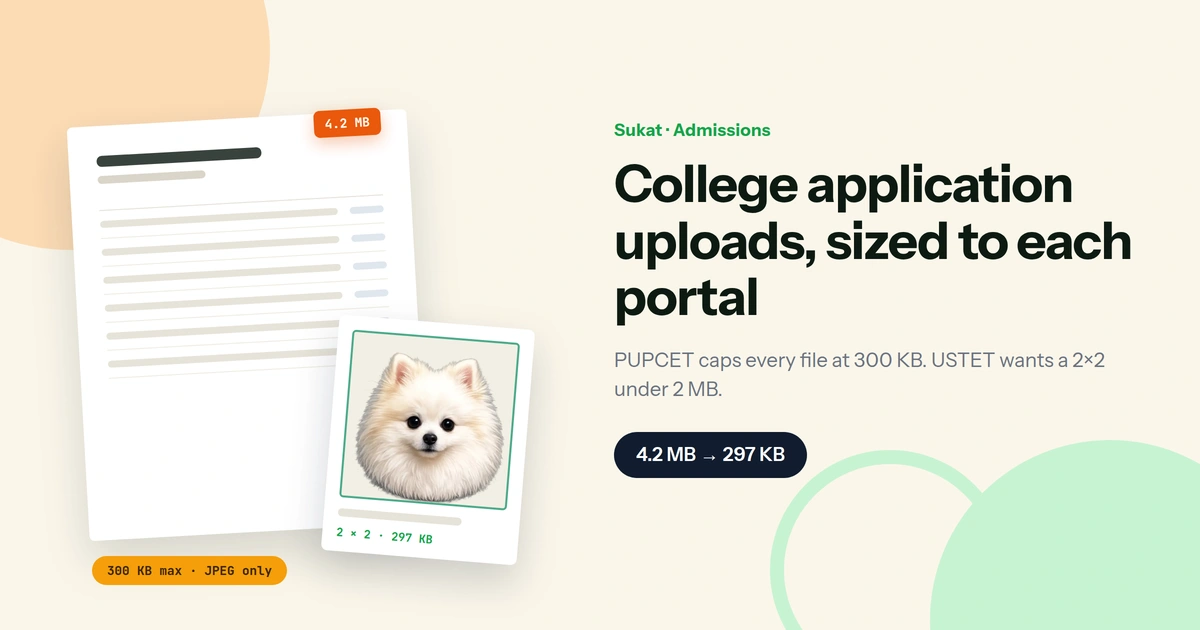
The report card is a different problem. A phone photo of a single sheet of paper routinely comes out between 3 and 6 MB, because a modern camera sensor records the paper texture, the shadow of your hand and the grain of the table alongside the numbers you actually need. Getting that to 300 KB means throwing away roughly 95 per cent of the file — and doing it in a way that leaves the grades legible, because PUP asks for the complete name, the LRN and both semester GWAs to be readable, and UST re-opens applications when a document comes back blurred or pixelated.
Guessing at a quality slider does not solve this. Quality 60 might land at 240 KB on one photo and 480 KB on the next, so the usual approach is to export, check the file size, adjust, and export again. Sukat runs a binary search on the quality level instead: it sets the ceiling, compresses, measures, and narrows until the file is as close under 300 KB as the image allows. One pass, no guessing, and the result keeps as much detail as the ceiling permits.
The photo rules PUP actually enforces
PUP publishes an unusually specific list, and it exists because these are the submissions that get rejected every cycle. The photo must be a 2 × 2 colored shot on a white background, in a formal pose with a collar, no eyeglasses or accessories covering the face, taken within the seven days before filing, and carrying a readable name tag at the chest with your first, middle and last name exactly as they appear on your birth certificate.
The rejection list is just as specific. A photo with a scene or view behind you fails. So does a side shot, a shot taken from above, a shot taken from below, a name tag that cannot be read, a name tag with initials or an abbreviated name, and a scan of a whole page rather than a cropped photo. Blurred, wacky, non-formal and group shots are all listed as unacceptable, as are landscapes, animals, objects and memes.
Sukat handles the framing and the file. It does not handle the collar or the name tag — those are on you, and they are the two things a compressor cannot fix after the shutter closes.
HEIC is the failure nobody sees coming
Every photo an iPhone takes is a .heic file by default. PUP asks for JPEG and lists no alternative. UST's own troubleshooting answer for a failed picture upload is to check that the file is a .jpg. An iPhone photo will not satisfy either portal in its original format, and the error message rarely says so — the upload button simply does nothing, or the file is accepted and later flagged.
Sukat reads HEIC directly and writes JPEG, so the conversion and the compression happen in the same step rather than requiring a separate converter first.
Crop first, compress second
Order matters more than most guides admit. Compressing a full-frame photo down to 300 KB and then cropping it to a 2 × 2 square throws away most of the budget on background you are about to delete, and leaves the face rendered from whatever detail survived. Cropping first, then compressing, spends the entire 300 KB on the part of the image that gets looked at.
The same applies to a report card. Crop tight to the page edges before compressing, so the ceiling is spent on the grades rather than on the table underneath.
The current cycle
Dates move, and every portal is the authority on its own schedule — but for the 2026–2027 round:
- UPCAT 2027 is on 1 and 2 August 2026. Form 2B and the Grade 12 Form 2A run from 3 to 24 August 2026, alongside the hard copy of the certified true copy of the SF-10.
- Ateneo's admissions portal for School Year 2027–2028 is open, with the ACET-route application deadline on 17 August 2026 and the scholarship deadline on 15 October 2026.
- UST opened its previous cycle on 8 August and ran it to 19 January. The portal is the place to watch for the next one.
- PUP iApply shows applications closed across all campuses at the time of writing. The 300 KB requirement is standing, so the files can be prepared before the window reopens.
The requirements outlast the deadlines. A 2 × 2 under 300 KB prepared in July is still a 2 × 2 under 300 KB in November.
Doing it in one pass
- Drop the file into Sukat. HEIC from an iPhone, JPG from a scanner app, PNG from a screenshot — all read directly, and nothing is uploaded anywhere.
- Crop. Use the 1:1 preset for a 2 × 2, or free-form with the live dimension hint to trim a report card to the page edges.
- Set the ceiling and convert. Enter 300 KB, choose JPEG, and download. The file lands under the ceiling on the first try.
All of it runs in the browser through the Canvas API. For a page carrying your name, your LRN and your grades, that matters: the file never reaches a server, which is worth knowing before uploading a birth certificate to a free online compressor.
Every portal is the final authority on its own requirements, and they revise them between cycles. Confirm the current ceiling and format on the university's own admissions page before you submit.
Frequently asked questions
What size photo does PUPCET require?
A 2 × 2 inch colored photo on a white background, saved as JPEG, at no more than 300 kilobytes. It needs a formal pose with a collar, no eyeglasses, and a readable name tag at the chest showing your complete name as written on your birth certificate.
Why won't UST accept my ID picture?
UST's own answer is to check two things: the file must be in .jpg format and it must be below 2 MB. An iPhone photo fails the first test because it is .heic, and an unedited camera photo often fails the second.
How do I get a report card photo under 300 KB and still readable?
Crop to the page edges first, then compress to the ceiling rather than to a quality percentage. Cropping removes the table, the shadow and the sensor noise that consume most of the file size, which leaves the remaining budget for the text. Shooting the page flat under even light rather than at an angle also helps, because motion blur and shadow gradients are expensive to encode.
Can I use the same 2 × 2 for every school?
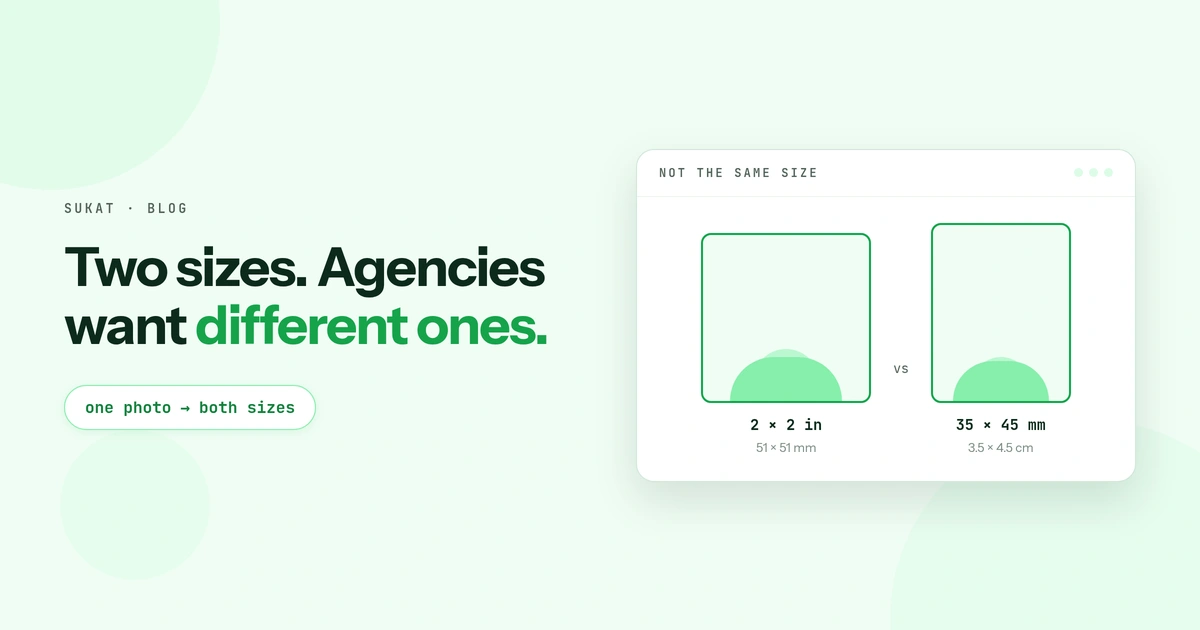
The framing carries across, but the file often cannot. A 2 MB photo accepted by UST is nearly seven times PUP's ceiling. Keep the cropped original and export a separate copy at each portal's limit rather than re-compressing an already-compressed file, which stacks the quality loss.
Does compressing to 300 KB make the photo look bad?
Not at 2 × 2. A square ID photo carries far less information than a full-frame shot, so 300 KB is a comfortable budget for it. The visible quality loss people complain about usually comes from compressing before cropping, or from re-compressing a file that was already squeezed once.
Are the files uploaded to a server?
Not with Sukat. Cropping and compression both run locally in the browser through the Canvas API. You can confirm it by switching to airplane mode after the page loads — everything still works.

About Sukat
Sukat builds free, privacy-first browser tools for compressing images and verifying published content. Everything runs in your browser — nothing is uploaded.