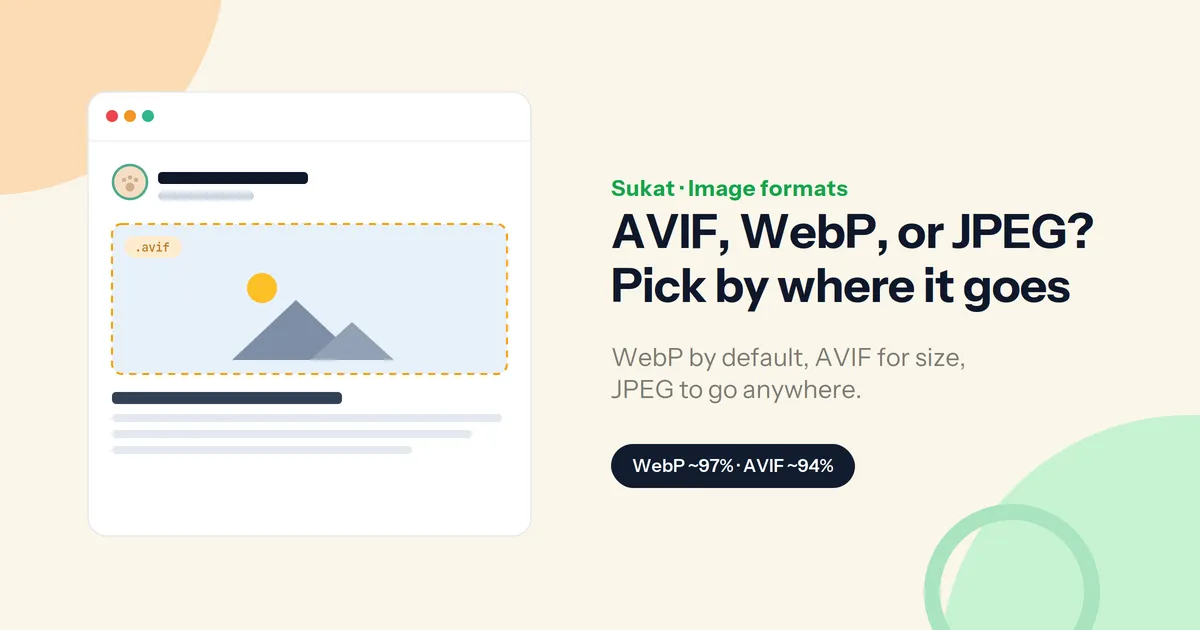
For photographs on the web in 2026, there are three real choices: JPEG, WebP, and AVIF. (JPEG XL keeps coming up, but it isn't ready — more on that below.) Picking between them isn't about which format is "best" in the abstract. It's about where the image will be seen, and whether that destination can read it.
The short version
Here's the quick answer before the detail:
| Format | Browser support | Size vs JPEG | Best for |
|---|---|---|---|
| WebP | ~97% — every current browser | 25–35% smaller | the default for almost everything |
| AVIF | ~94% — all major browsers | up to ~50% smaller | hero & product shots, HDR / wide gamut |
| JPEG | 100% — everywhere | baseline | email, print, Office, link previews |
WebP is the safe default, AVIF is the smallest, and JPEG is the one that works absolutely everywhere. The rest is just knowing when to reach for each.
WebP — the default for almost everything
WebP has been supported in every current browser for years and now reaches around 97% of traffic. It's noticeably smaller than JPEG with no visible loss, and it's quick to create. For the bulk of a site's images — blog images, thumbnails, icons, UI — WebP is the right call and rarely the wrong one.
AVIF — when every kilobyte counts
AVIF is now safe to ship. It runs by default in every major browser and covers roughly 94% of traffic, and it's about 15–25% smaller than WebP — far smaller than JPEG. It also handles HDR and wide color that WebP can't, which matters for photography and modern displays. The trade-offs are slower encoding and a small slice of older devices that can't read it, so AVIF is best paired with a fallback.
Two places to be careful: skip AVIF for tiny images, where the savings don't justify the encode cost, and don't use AVIF as your social-share image — most platforms still won't render an AVIF og:image. Keep those as JPG or PNG.
JPEG — still the universal fallback
JPEG dates back to 1992 and is read by everything that touches an image. When the destination is outside your control — email clients, print shops, Office documents, third-party embeds, or a link preview where the platform picks the codec — JPEG is the safe pick. The cost is larger files and no transparency. For images with hard edges, like a logo set over a photo, JPEG can also show faint ringing.
What about JPEG XL?
It's technically impressive, but the browser support never landed: it was removed from Chrome and remains effectively Safari-only on the open web, so it isn't worth deploying in 2026. WebP and AVIF are the state of the art for now.
How to pick, quickly
A simple way to decide:
- Going on a web page you control? WebP by default — switch to AVIF for large hero or product images, or when color fidelity matters, with a WebP or JPEG fallback.
- Leaving your site (email, print, Office, a social card, an embed)? JPEG.
- Need transparency? WebP or PNG. AVIF supports it too; JPEG doesn't.
Converting between formats
Sukat converts images in the browser — no upload, no account — and it reads the formats most tools choke on, including AVIF and HEIC straight off an iPhone:
- Drop an image into Sukat, one at a time or as a batch.
- Choose the output: WebP, AVIF, JPG, or PNG.
- Optionally set a target size, and Sukat finds the highest-quality version that fits, then hands back the file to download.
Because everything runs locally, nothing is uploaded — and it works both directions: convert to AVIF or WebP for the web, or back to JPG for email and print.
Quality and size
A sensible quality level is usually invisible to viewers, so the bigger lever is pairing the right format with a target size rather than guessing at a quality slider. Stripping metadata like EXIF and color profiles trims a little more off the file.
Frequently asked questions
Which format should I use for most website images?
WebP. It's smaller than JPEG, looks identical at sensible quality, and works in every current browser.
Is AVIF safe to use in 2026?
Yes — it runs in every major browser now. Add a WebP or JPEG fallback for the small remainder, and don't use AVIF as your og:image, since most social platforms won't render it.
What about JPEG XL?
It was removed from Chrome and is effectively Safari-only, so it isn't worth shipping yet.
Can I convert AVIF or HEIC to JPG?
Yes. Sukat reads both and converts to JPG, PNG, or WebP in the browser, with no upload.
Does converting to WebP or AVIF lose quality?
At sensible quality levels the difference is effectively invisible, and setting a target size keeps the file lean.

About Sukat
Sukat builds free, privacy-first browser tools for compressing images and verifying published content. Everything runs in your browser — nothing is uploaded.