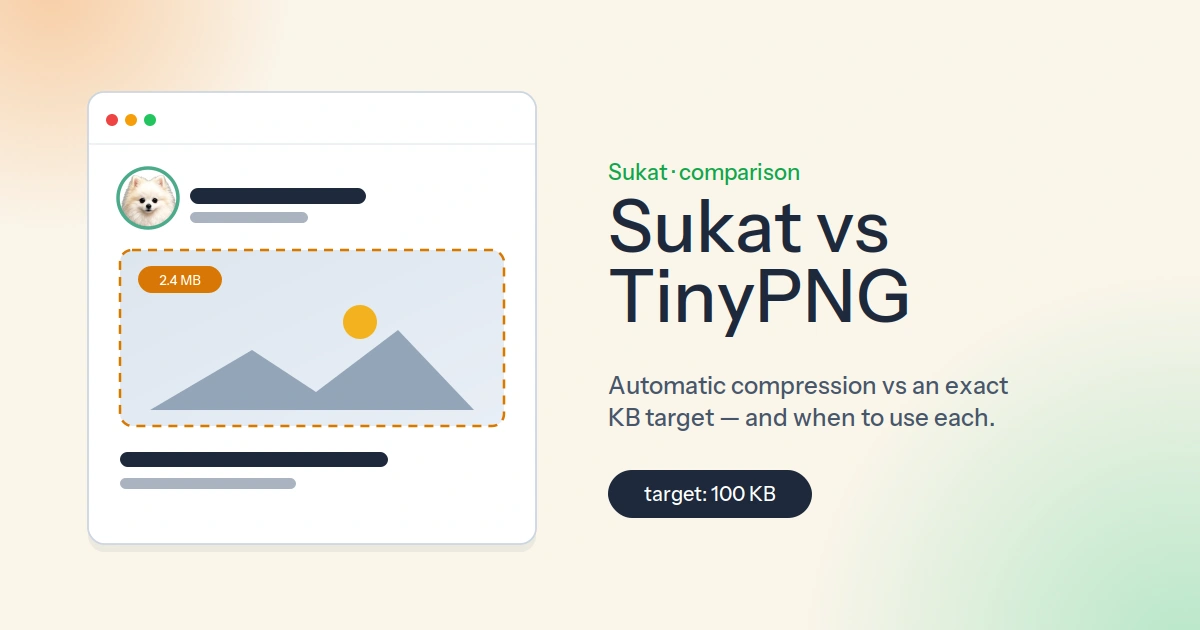
TinyPNG and Sukat both make images smaller, so on the surface they look like the same kind of tool. They aren't. They answer two different questions. TinyPNG answers "how small can this image get before it starts to look bad?" Sukat answers "how do I get this image to exactly 100 KB?" Most of the time those questions overlap. Sometimes only one of them matters — and that's the whole reason to know the difference.
What TinyPNG is genuinely good at
TinyPNG, built by Tinify, is one of the best automatic compressors there is, and there's no point pretending otherwise. Drop in a PNG, JPEG, WebP, or AVIF and its smart lossy engine strips out bytes — usually a 60–80% reduction — with very little visible quality loss. There are no sliders and no settings to learn. That simplicity is the point: for "just make these smaller," it's hard to beat.
Its real strength, though, is the ecosystem around the web tool. Tinify offers an API with SDKs for Python, Node.js, PHP, Java, Ruby, and .NET, an official WordPress plugin, and an image CDN that compresses and serves images automatically. If the goal is to compress every image a site or app produces, automatically, at the moment it's uploaded, TinyPNG is built for exactly that. Sukat is not, and that's worth saying up front.
The one thing automatic compression can't do
Here's where the two tools split. Because TinyPNG decides the output for you, you don't get to choose the result. Feed it a 2 MB photo and you get back whatever its engine produces — maybe 480 KB, maybe 310 KB. That's fine when "smaller" is the only requirement. It's a problem the moment a specific number is the requirement.
A lot of the web runs on hard file-size ceilings. A government exam portal wants a photo under 200 KB. A passport application wants a signature under 50 KB. An upload form rejects anything over 1 MB. Automatic compression has no lever for this. If TinyPNG lands at 240 KB and the form demands 200 KB or less, there's nothing to turn — you're left finding another tool and trying again.
Sukat is built around that number. You type the target — say 100 KB — and it runs a binary search, re-encoding the image at different quality levels until it lands at or just under the size you asked for, and only dropping the dimensions as a last resort. The result isn't "roughly smaller." It's the size you specified. For anything with a strict ceiling, that's the difference between one upload and ten.
Where your images actually go
The second real difference is privacy. When you compress an image on TinyPNG's website, that image is uploaded to Tinify's servers, processed there, and sent back. The company is reputable and deletes files after a period, but the file still leaves your device and sits on someone else's infrastructure for a while.
Sukat never uploads anything. Every step runs in your browser using the Canvas API — the image is read, re-encoded, and saved entirely on your own machine. Nothing is sent anywhere. For a holiday snapshot that hardly matters. For an ID scan, a medical image, a contract, or unreleased client work, it's a meaningful difference: there's no third-party server to trust because there's no upload in the first place.
Limits, and why they exist
The server model comes with limits, because processing costs money. TinyPNG's web tool takes up to 20 images per batch and caps each file at 5 MB on the free tier, and the free API tier allows around 500 compressions a month. Those aren't technical limits of image compression — they're cost controls.
Sukat has no per-file size cap and no monthly quota, for the simple reason that there's no server doing the work. Your own device does the compressing, so the only ceiling is your own device. Batches download together as a ZIP when you're done.
Formats and the rest of the workflow
TinyPNG handles PNG, JPEG, WebP, and AVIF. What it doesn't take is HEIC — the format every modern iPhone shoots in — so iPhone photos have to be converted somewhere else first. Sukat reads HEIC (and AVIF) directly, which removes a step for anyone working from a phone.
Because Sukat runs locally, it also bundles the steps that usually mean opening three different tools: crop, remove a background, and compress to a target size, all in one pass, then export. TinyPNG's web tool is compression and format conversion; cropping, resizing, and background work live elsewhere. One more upside of staying local — Sukat keeps working with no connection at all, which TinyPNG can't, since it has to reach its servers.
Side by side
| Sukat | TinyPNG | |
|---|---|---|
| Set an exact KB/MB target | Yes (binary search) | No — automatic only |
| Where images are processed | In your browser, never uploaded | Uploaded to Tinify servers |
| Per-file size limit | None | 5 MB (free web tool) |
| Batch / quota limits | None | 20 per batch; ~500/mo free API |
| HEIC input (iPhone photos) | Yes | No |
| Crop + background remove + compress | Yes, one workflow | Compression only (web tool) |
| Works offline | Yes | No |
| API + WordPress plugin + CDN | No | Yes |
| Automatic "just make it smaller" | Yes | Yes — and excellent at it |
So which one
This isn't a tool that wins and a tool that loses. It's two tools for two jobs.
Reach for TinyPNG when the task is "compress everything, automatically," especially if you want it wired into WordPress, a build pipeline, or a CDN so it happens on upload without anyone thinking about it. That's its home turf.
Reach for Sukat when the size has to be exact, when the images shouldn't leave your device, when they're HEIC straight off a phone, or when you want to crop, clean up, and compress in a single browser tab. Hitting a precise number, privately, is the specific problem Sukat was built to solve. You can also audit a whole page's images with Sukat Inspector when you're hunting down the heavy ones.
Plenty of people end up using both — TinyPNG quietly optimizing a site in the background, Sukat for the one-off photo that has to come in under 100 KB by this afternoon.
You can try Sukat in the browser at sukatapp.com — drop in an image, type a target size, and watch it land on the number. No upload, no account.
Frequently asked questions
Can TinyPNG compress to an exact file size?
No. TinyPNG decides the output automatically, so you can't set a target — you get back whatever its engine produces. Sukat lets you type an exact KB or MB and binary-searches the quality until it lands at or just under that size.
Does Sukat upload my images the way TinyPNG does?
No. Sukat runs entirely in your browser using the Canvas API, so the image is never uploaded. TinyPNG processes images on Tinify's servers and sends them back.
Does Sukat have file-size or batch limits?
There is no per-file cap and no monthly quota, because your own device does the work. TinyPNG's free web tool caps each file at 5 MB and 20 images per batch, and the free API allows around 500 compressions a month.
Can Sukat compress HEIC photos from an iPhone?
Yes. Sukat reads HEIC and AVIF directly. TinyPNG doesn't accept HEIC, so iPhone photos have to be converted to another format first.

About Sukat
Sukat builds free, privacy-first browser tools for compressing images and verifying published content. Everything runs in your browser — nothing is uploaded.