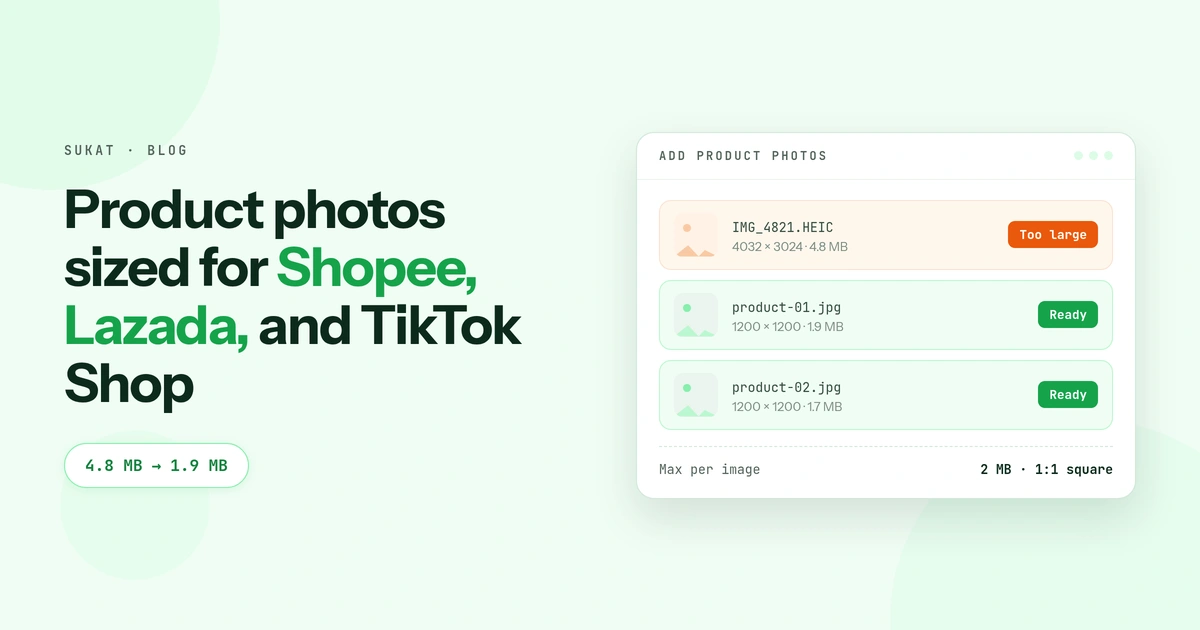
A photo from a recent phone camera lands somewhere between 3 MB and 8 MB. Shopee and Lazada want product images under a couple of megabytes. That gap is why the upload spins and fails, and why a seller with forty listings loses an afternoon to it.
The second problem is shape. All three platforms show products in a square grid. A vertical phone photo gets centre-cropped to fit, and whatever sat at the top and bottom of the frame — the label, the shoes, the top of the bag — is gone before a buyer ever sees it.
Both are fixable in one pass, before the upload rather than after the rejection.
What each platform asks for
| Shopee | Lazada | TikTok Shop | |
|---|---|---|---|
| Aspect ratio | 1:1 square | 1:1 square | 1:1 square |
| Minimum size | 500 × 500 px | 330 × 330 px | 600 × 600 px |
| Recommended | 1024 × 1024 px or higher | 1000 × 1000 px or higher | 800 × 800 px or higher |
| Max file size | ~2 MB per image | ~3 MB per image | Follow Seller Center |
| Formats | JPG, JPEG, PNG | JPG, JPEG, PNG | JPG, JPEG, PNG |
| Images per listing | Up to 9 | Up to 8 | Up to 9 |
| Product fills frame | ~70% | ~80% | ~80% |
| Main image background | Clean, white preferred | Clean, white preferred | White or neutral, required |
Treat these as working numbers and confirm them in your own Seller Center before a bulk upload — all three platforms revise their specs, and category rules sometimes override the general ones. Fashion in particular often allows a taller 3:4 gallery image while keeping the cover square.
The minimum is a floor, not a target
Shopee will accept a 500 × 500 image. It shouldn't be what you upload. Below roughly 1000 px on the long edge, the zoom feature stops being useful, and zoom is how a buyer decides whether the stitching is real or the fabric is thin. Uploading at the floor saves a few hundred kilobytes and costs you the one interaction that closes a sale on a marketplace nobody can touch the product on.
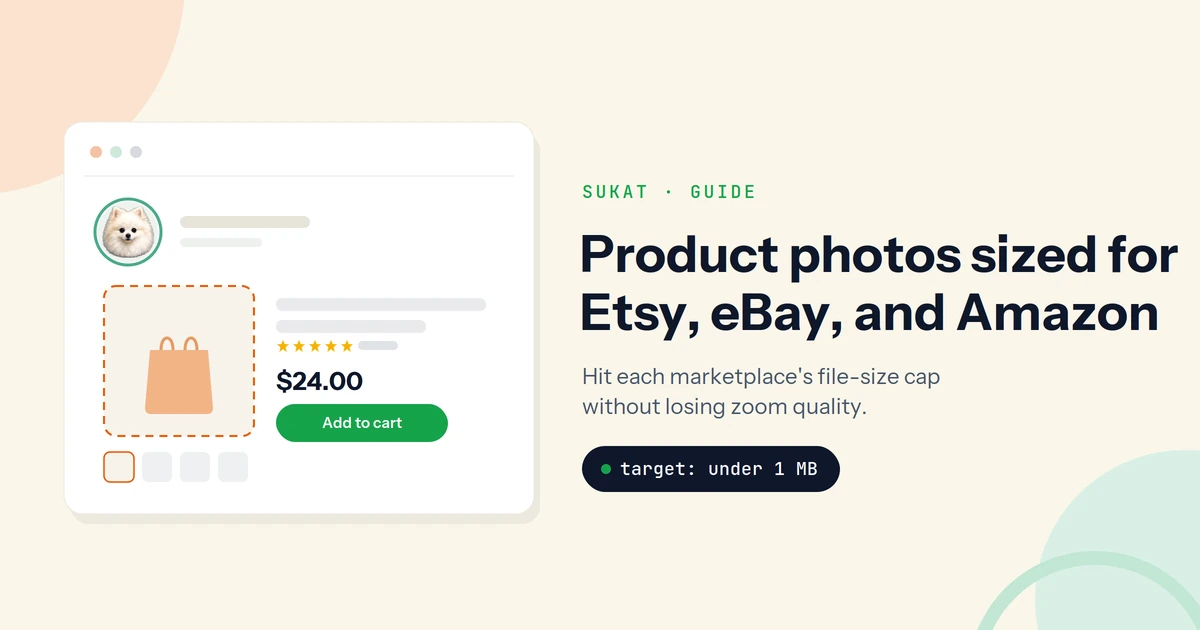
Aim for 1000–1200 px square and compress to fit the file cap. That combination clears every platform's minimum, keeps zoom sharp, and lands comfortably under 2 MB.
TikTok Shop's first image is a compliance slot
The rule that catches most sellers: on TikTok Shop the first image has to show the product on a clean white or neutral background with nothing laid over it — no promotional graphics, no stickers, no text, no logos. That's the thumbnail that appears in search, in the cart, and on the product card under a video, and it has one job, which is to make the product instantly recognisable at a small size.
Everything else you want to say goes in images two through nine: the lifestyle shot, the size chart, the detail crop, the variants. Sellers who put their price overlay on image one get the listing rejected and never find out why.
Shopee and Lazada are looser about this — both allow graphics, frames, and text on gallery images — but the same logic applies to the cover. A cover crowded with promo badges reads as noise at thumbnail size.
Do it in this order
- Crop to square first. Choose what stays in the frame yourself instead of letting the platform's centre-crop choose for you. This is also where you set how much of the frame the product fills — Lazada and TikTok Shop both want roughly 80%, Shopee around 70%. A product floating in a sea of white reads as low effort.
- Resize to about 1000–1200 px square. Anything larger is bytes the buyer never sees, since the platform will resample it for display anyway.
- Compress to the cap last. Only once dimensions are settled does a target file size mean anything. Compressing a 4000 px photo to 1.9 MB and then cropping it to square wastes the quality you paid for.
Doing it the other way round — compress, then crop — is the most common way sellers end up with soft, blocky covers.
Forty listings, nine images each
The arithmetic is what makes this painful. A modest catalogue of forty products with five images apiece is two hundred files, each needing a square crop and a trip under the file cap. One at a time in a phone editor, that's most of a day.
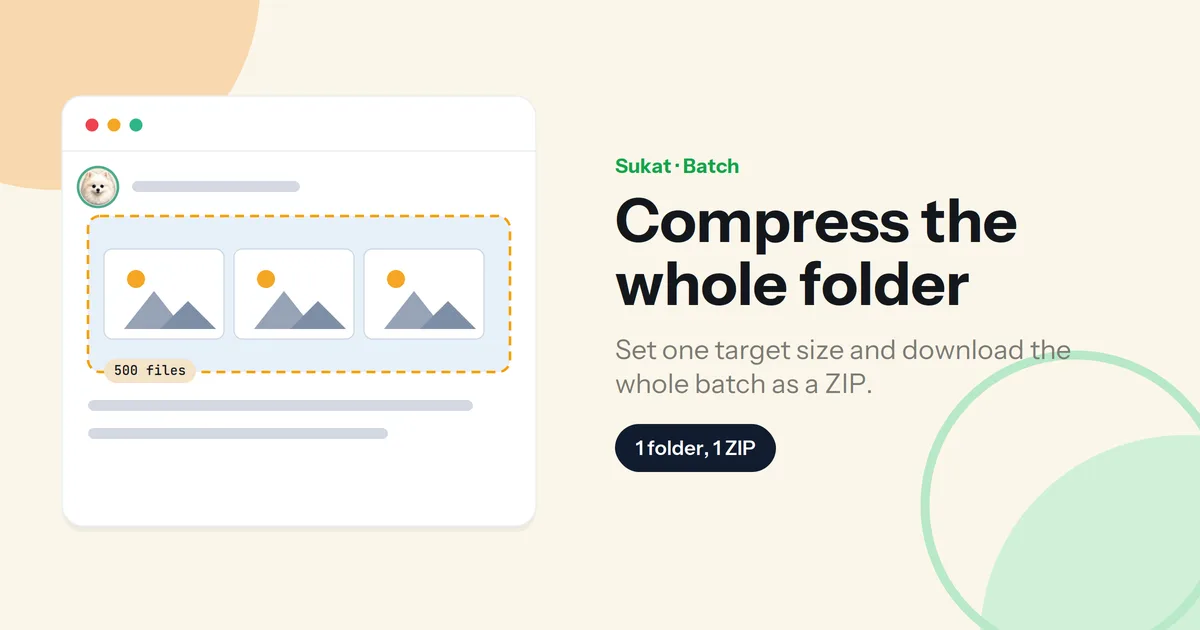
Sukat takes a target file size as a number you type — under 2 MB, under 1 MB, whatever the platform asks — and runs a binary search on encoder quality until the file lands there. It crops and compresses in the same pass, in that order, so the square crop happens before the compression rather than after. Batch mode takes the whole folder and hands back a ZIP.
Everything runs in the browser. Nothing is uploaded to a server, which for a seller working from a phone on mobile data is the difference between a few seconds and a few minutes per file. It also handles HEIC from an iPhone, which none of the three platforms accept.
The short version
Square, around 1000–1200 px, under the platform's file cap, product filling most of the frame, and a clean first image on TikTok Shop. Crop before you compress, do the catalogue in one batch, and confirm the current numbers in Seller Center before a bulk upload.
Frequently asked questions
Why did my upload fail with no error message?
Almost always the file is over the size cap, or it's in a format the platform doesn't accept. iPhone photos saved as HEIC are the usual culprit — convert to JPG first. If the file is under the cap and still fails, check the pixel dimensions against the platform minimum.
Should I upload the largest image I can?
No. Past about 1200 px square you're adding bytes the buyer never sees, because the platform resamples the image for display. Large files also slow your own listing page, which affects how it performs.
Can I use the same photo on all three platforms?
The square crop carries across all three. The main image can't always — TikTok Shop requires a clean white or neutral background with no overlaid text or graphics on the first image, so a Shopee cover with a promo badge won't pass there.
Does compressing hurt how the product looks?
Not at these ceilings. A 1000 × 1000 product photo at under 2 MB is nowhere near the point where compression becomes visible. The quality problems sellers notice usually come from cropping after compressing, or from uploading at the platform minimum instead of the recommended size.
How do I get a folder of product photos under the cap at once?
Load the whole folder into Sukat, set one target file size, and export as a ZIP. Every image is cropped and compressed with the same settings in a single local pass, which is the difference between an afternoon and a few minutes for a catalogue of forty products.

About Sukat
Sukat builds free, privacy-first browser tools for compressing images and verifying published content. Everything runs in your browser — nothing is uploaded.