A visa photo feels like it should be one thing. You get it taken once, you keep the file, and you reuse it. That instinct is exactly what gets applications bounced.
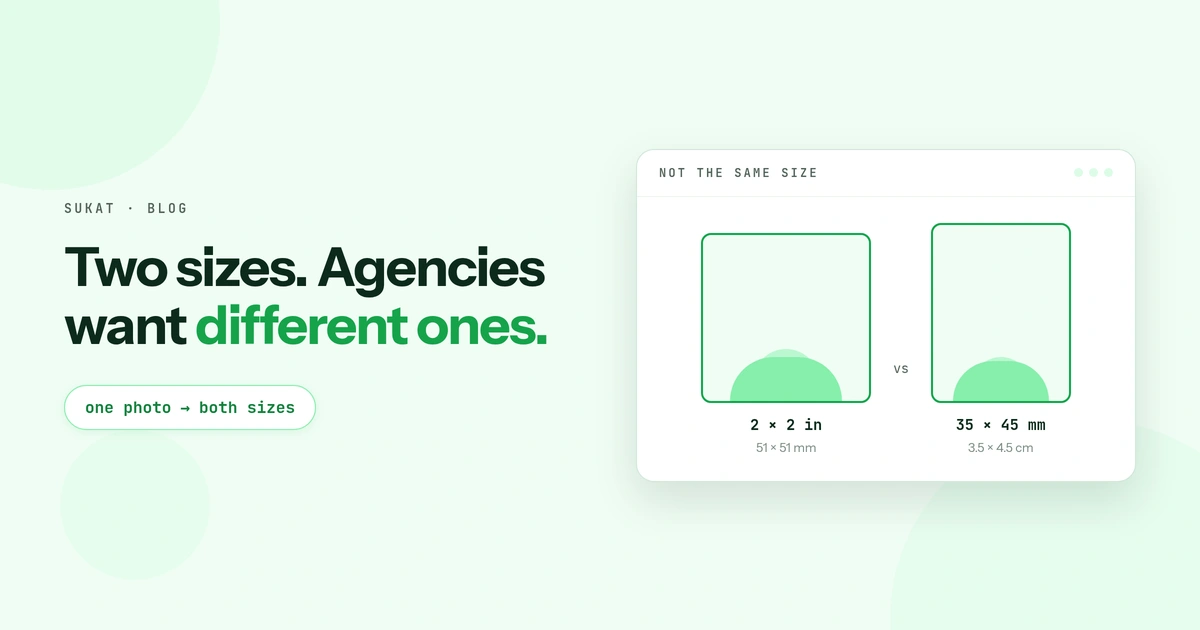
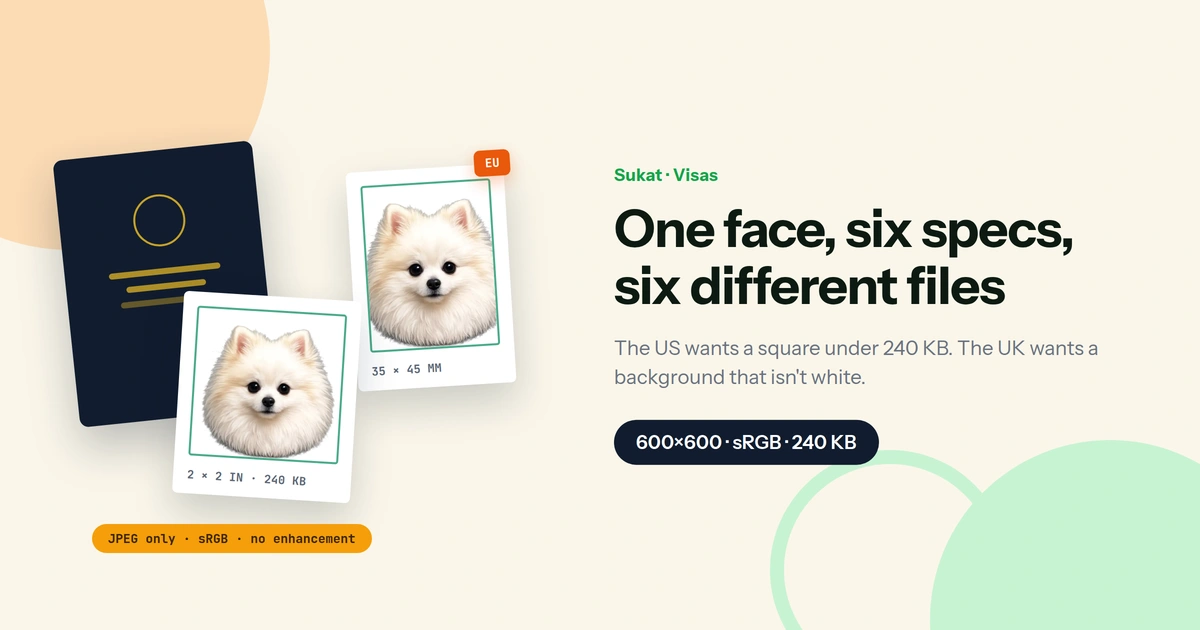
The US wants a square. Most of Europe wants a rectangle. Japan wants a square at some consulates and a rectangle at others. The UK wants a background that is not white. And the file that satisfies one of them will usually fail the next, because the printed dimensions are only one of five checks and the other four are invisible until an automated validator rejects them.
Start with the route, not the size
Before the dimensions matter, work out which of these you are doing:
- A digital upload into a government portal. An automated validator checks format, pixel dimensions, file size and often background uniformity. It rejects on the spot, with a terse error.
- A print you hand over at an embassy, consulate or visa centre. A person checks it. Paper stock, matte finish and physical millimetres matter here; file size does not.
Plenty of applications involve both, and the two routes have different rules inside the same country. That is the part the size charts leave out.
The US: the one fully published digital spec
The Department of State publishes its digital image requirements in full, and they are worth reading closely because they are the tightest in common use:
- Square. Height must equal width.
- 600 × 600 pixels minimum, 1200 × 1200 maximum. A 599-pixel image fails.
- JPEG only.
- 240 KB or less. This is where most uploads die.
- Colour, 24 bits per pixel, in sRGB.
- Compression ratio of 20:1 or lower. There is a floor as well as a ceiling — crushing the file to hit 240 KB can fail on its own.
If you are scanning an existing print instead, that print must be 2 × 2 inches (51 × 51 mm) scanned at 300 pixels per inch. The State Department also runs a free cropping tool that outputs exactly 600 × 600. Sukat has a dedicated US visa photo page if that is the only one you need.
The same 240 KB square applies to Diversity Visa entries. And one line in the guidance matters more every year: photos must not be digitally enhanced or altered to change your appearance in any way.
The 35 × 45 mm world, and why it is not one standard
Most of the world prints at 35 mm wide by 45 mm tall — the ICAO biometric format. Same rectangle, different rules around it. These are the figures the relevant authorities and visa centres publish, but every one of them should be checked against the specific portal or checklist you are submitting under, because they shift and they vary by stream.
| Where | Digital upload | Background | |
|---|---|---|---|
| United States | 2 × 2 in (51 × 51 mm) | Square JPEG, 600–1200 px, sRGB, ≤ 240 KB | Plain white or off-white |
| Schengen area | 35 × 45 mm | Usually none — appointment-based | White or very light grey |
| United Kingdom | 45 × 35 mm, head 29–34 mm | Min 600 × 750 px, 50 KB – 10 MB | Cream or light grey, not white |
| Canada | 35 × 45 mm, face 31–36 mm | Varies by stream; PR card uploads run 715 × 1000 to 2000 × 2800 px | Plain white |
| Australia | 35–40 mm wide, 45–50 mm tall | Uploaded through ImmiAccount | White or light grey |
| Japan | 35 × 45 mm or 45 × 45 mm depending on the consulate | Mostly print-only | Pure white |
Two entries in that table deserve a second look.
The UK background is not white. Cream or light grey is the requirement, and a white backdrop is one of the most common rejection causes — particularly when the photo was taken somewhere that defaults to white for every other document.
Japan is not one size. The square 45 × 45 mm and the rectangular 35 × 45 mm are both in circulation depending on which consulate handles your application, and the Japanese passport photo is a different shape again. Applying from the Philippines, the practical answer is whatever the Manila embassy's current checklist says, submitted through your accredited agency — Japan's eVisa channel exists but has never covered Philippine passport holders.
Four traps that fail an upload before a human sees it
1. The file is HEIC and the portal wants JPEG
Every iPhone photo is a .heic file unless you have changed a setting. US visa portals accept JPEG and nothing else. The upload either refuses outright or throws an error about the file format, and renaming the extension to .jpg does not convert anything — it just produces a HEIC file wearing a JPEG name, which fails the same check a moment later. Convert it properly first.
2. The colour profile is Display P3, not sRGB
The US spec asks for sRGB specifically. Recent iPhones capture in Display P3 by default, which is a wider gamut. The photo looks completely normal on screen and still trips a validator that is checking the embedded profile rather than the pixels.
3. There is a floor as well as a ceiling
The UK window runs from 50 KB to 10 MB. A file compressed hard enough to be safely small can land under the minimum and fail for being too light. The US expresses the same idea as a compression ratio limit rather than a floor. Either way, "as small as possible" is the wrong target — "just under the ceiling" is the right one.
4. The photo has been enhanced
Beauty filters, portrait mode, skin smoothing and AI background replacement all count as alteration. The US rule prohibits digital enhancement that changes your appearance; Canada defines an altered photo as one edited or changed by any means at all. Modern phones apply some of this automatically, which is why a photo that was never knowingly edited can still be refused.
Cropping, rotating, resizing, converting the format and compressing are none of these things. They change the file, not the face — which is the distinction the rules are drawing.
Preparing one source photo for several applications
Keep the original at full resolution, then export a separate file for each application rather than re-compressing an already-compressed copy. Stacking compression twice is what produces the muddy artefacts around the eyes and hairline that make a technically compliant file look unusable. If you want the step-by-step version for a single application, the visa and passport resize walkthrough covers one portal end to end.
- Convert first. Drop the HEIC into Sukat and take a JPEG out. Nothing is uploaded to a server — the conversion runs in the browser.
- Crop to the shape that application wants. Square for the US, 35:45 for the ICAO countries. Use the crop tool with the live dimension readout so you can see the ratio before committing.
- Compress to the ceiling, not past it. Set 240 KB for a US upload and let the binary search land as close underneath as the image allows, rather than guessing at a quality percentage and re-exporting until it fits.
For a document carrying your face and your passport details, the fact that all of this happens locally is not a minor point. Nothing is transmitted, and you can verify that by turning off your connection after the page loads.
Every authority is the final word on its own requirements, and they revise them between cycles and vary them by visa stream. Confirm the current spec on the portal or checklist you are submitting under before you upload or print.
Frequently asked questions
What size is a US visa photo?
Printed, it is 2 × 2 inches, or 51 × 51 mm. Uploaded, it is a square JPEG between 600 × 600 and 1200 × 1200 pixels, in sRGB, at 240 KB or less. The printed and digital versions are the same photo but they are checked differently.
Can I use the same photo for a US visa and a Schengen visa?
Not the same file. The US is square and the Schengen format is a 35 × 45 mm rectangle, so the crop differs even when the source shot is identical. Keep the uncropped original and export each one separately.
Why does my visa photo keep getting rejected when it looks fine?
The usual causes are invisible on screen: the file is HEIC rather than JPEG, the colour profile is Display P3 rather than sRGB, the file sits a few kilobytes over the cap, or the phone applied processing that reads as enhancement. None of these change how the photo looks to you.
How do I get a photo under 240 KB without wrecking it?
Crop to the final square first so the file size budget is spent only on the part that gets kept, then compress to the ceiling in one pass. A 600 × 600 square has little enough information that 240 KB is comfortable — the damage usually comes from compressing before cropping, or from compressing a file that was already compressed once.
Is a white background always correct?
No. The UK asks for cream or light grey and specifically not white. Schengen applications accept white or very light grey. Japan wants pure white. Getting this wrong is one of the more common rejections because a white backdrop feels like the safe default everywhere.
Does Sukat edit the photo?
It crops, rotates, resizes, converts between formats and compresses to a target file size. It does not retouch, smooth or alter facial features, which is the category of editing visa rules prohibit.

About Sukat
Sukat builds free, privacy-first browser tools for compressing images and verifying published content. Everything runs in your browser — nothing is uploaded.