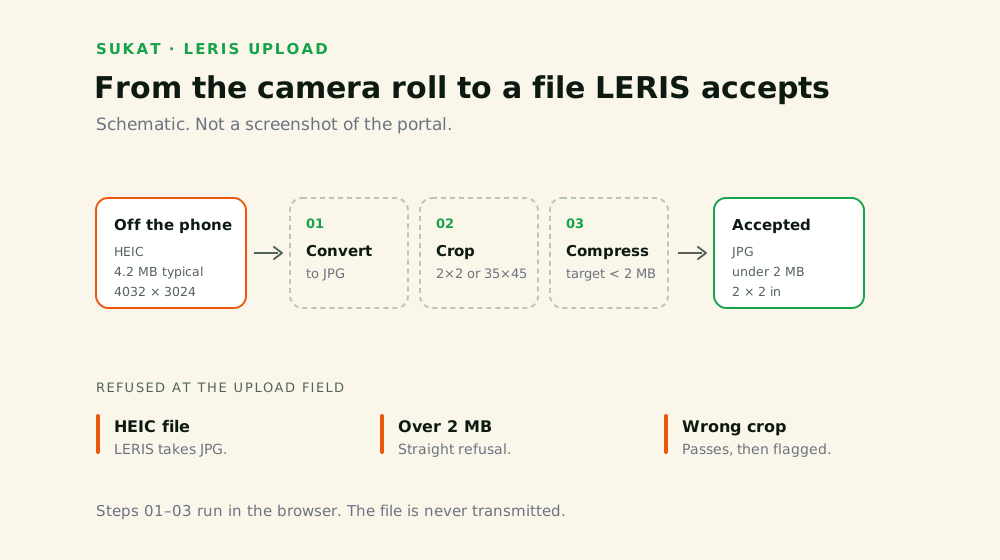
What LERIS Accepts
The photo rules for a board exam, renewal, or initial registration submitted through the LERIS portal.
The size requirement is not uniform. Some professional boards ask for passport size, others for 2 × 2. Check the checklist for your specific board before cropping — a correctly compressed photo at the wrong dimensions still gets rejected. Full specification detail, including background and attire rules, sits on the PRC photo requirements page.
Uploading to LERIS, Step by Step
Where the photo field sits in the flow, and what LERIS checks the moment you upload.
- Sign in at online.prc.gov.ph. First-time applicants create an account here; the details must match your PSA birth certificate exactly.
- Open your application. Examination application for board exams, renewal for an existing licence.
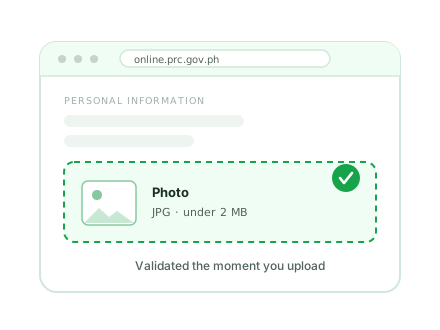
- Find the photo upload field. It appears in the personal information section, before document uploads.
- Upload the JPG. LERIS validates on upload — a file that’s too large or in the wrong format is refused immediately rather than silently accepted.
- Check the preview. If the face is cropped oddly or the image looks soft, replace it now. A photo that uploads successfully can still be flagged later during document verification.
Preparing the File
A photo straight off a phone is usually 3–8 MB and often HEIC rather than JPG. Both of those will fail at the LERIS upload field. Sukat handles the conversion, crop, and compression in a single pass, in the browser:
- Drop the photo onto the tool. HEIC, PNG, and JPG all work as input.
- Crop to 2 × 2 or 35 × 45 mm, whichever your board requires. The crop preview shows the ratio live.
- Set the target size below 2 MB. Binary-search targeting lands the file just under the ceiling rather than overshooting into visible quality loss.
- Export as JPG.
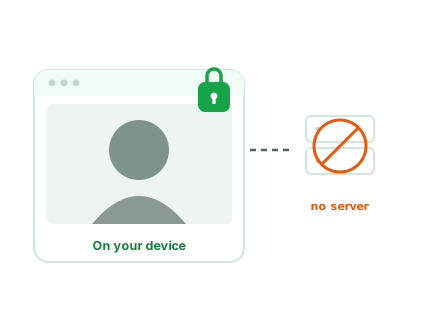
Nothing is transmitted. The photo carries your face and your full legal name onto a government portal, so it’s worth stating plainly that the file never leaves the browser — disconnect from the network after the page loads and every step above still works.
When LERIS Rejects the Photo
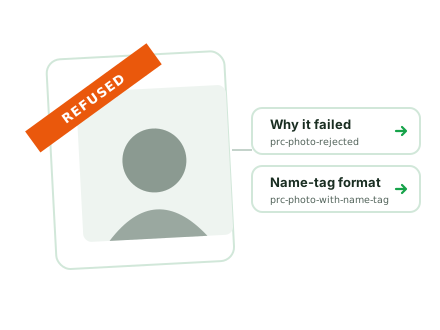
The refusal message rarely says which rule was broken. The failure modes and their fixes are covered separately on why PRC rejects a photo. The name tag is the single most common omission, and it has a required format. That’s covered on PRC photo with name tag.
Before You Upload
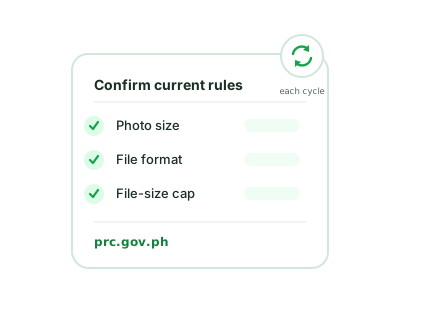
PRC revises its guidance between application cycles, and requirements can differ by board. Confirm the current size, format, and file cap in your own LERIS account and at prc.gov.ph before submitting. The specifications above reflect the rules in force at the time of writing.