AI image tools are everywhere now — generating product shots, swapping backgrounds, upscaling old photos, turning a prompt into a finished visual in seconds. What almost none of them do well is hand back a file that's ready to upload. The output is usually a large, high-resolution PNG. It looks great, and then it fails: too big for a store's product slot, too heavy for a profile banner, refused by a form, or slow enough to drag a page down.
The generator solved the hard part. The file size is the part left for you — and it's a two-minute fix.
Why AI-generated images come out so large
A few things stack up:
- High resolution by default. Many generators export at 1024×1024, 2048×2048, or larger. That's a lot of pixels, and pixels are bytes.
- PNG output. PNG is lossless — great for sharp edges, wasteful for a detailed, photographic image. A PNG can be several times heavier than the same image as a JPEG at a quality no eye can tell apart.
- Upscaling. "Enhance" and 4× upscale features multiply the pixel count, and the file size with it.
- No compression pass. Generators optimise for how the image looks, not for how small the file is. Nothing trims it to a usable weight.
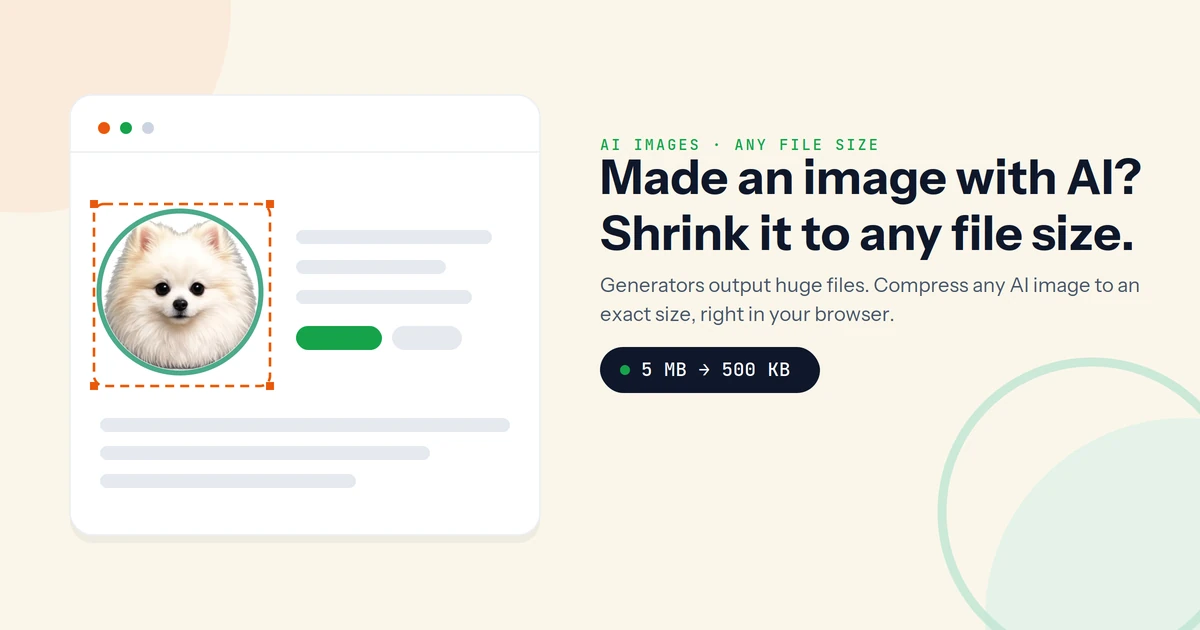
The result is a 3–10 MB image where the destination wants a few hundred KB.
Compress to an exact size, not "a bit smaller"
The reliable move isn't "make it smaller" — it's "make it exactly this size." Sukat compresses to a precise KB or MB target by running a binary search on the quality level: it keeps testing quality settings until the file lands on the number you asked for, then stops. Set 500 KB, get 500 KB — at the best quality that size allows.
Because AI images are so often work in progress — an unreleased design, a client's photo, a concept you'd rather not leak — it matters that this happens on your device. Sukat never uploads the file to a server. It stays on your machine from start to finish.
What size does your image actually need?
Match the target to where the image is going. The image size guide has the full list, but the common ones:
| Where it's going | Target size |
|---|---|
| Shopify / marketplace product image | 200–500 KB (under 300 KB for mobile-heavy stores) |
| Social share or Open Graph image | A few hundred KB — light enough to load instantly in a feed |
| Email attachment | Comfortably under 1–2 MB |
| Form or portal upload | Whatever hard limit the form states — hit it exactly |
| Web page hero or inline image | As light as the quality allows — every 100 KB adds load time |
That last one compounds: a heavy generated hero is one of the fastest ways to wreck a Largest Contentful Paint score.
Keep the quality you generated for
A few habits keep an AI image sharp on the way down:
- Compress at the size you'll display. A 2048 px image shown 800 px wide is wasting most of its weight. Resize to the display size first, then compress.
- Use the right format. For a photographic or richly detailed AI image, JPEG hits a far smaller size than PNG at the same visible quality. Keep PNG only when you need transparency. Sukat can output either.
- Aim inside the range, not at the floor. For a 200–500 KB window, target the middle. Squeezing to the absolute minimum is what introduces visible artifacts.
Put together, that's the whole job: resize to the display size, pick JPEG for a detailed image, and set a KB target Sukat can fit. The generator gave you the picture; this gives you the file.
Frequently asked questions
Why is my AI-generated image so large?
Usually because it's a high-resolution PNG. Lossless PNG at 1024 px or 2048 px produces a big file, and any upscale step makes it bigger. Converting to JPEG and compressing to a target size fixes it.
Will compressing an AI image ruin the quality?
Not if it's done right. Compressing a detailed image to a sensible target — and resizing to the size you actually display — keeps it looking identical to the eye while cutting most of the file weight.
What format should AI images be?
JPEG for photographic or detailed images, because it's dramatically smaller than PNG at the same visible quality. Use PNG only when you need a transparent background.
Can Sukat hit an exact size like 500 KB?
Yes. Sukat targets a precise KB or MB value using a binary search on quality, so the output lands on the size you set rather than somewhere near it. You can also reduce an image straight to a KB target.
Do I have to upload my AI image to compress it?
No. Sukat runs entirely in the browser — the image never leaves your device, which is the relevant safeguard when the file is unreleased or proprietary.

About Sukat
Sukat builds free, privacy-first browser tools for compressing images and verifying published content. Everything runs in your browser — nothing is uploaded.