Img2Go is a broad, well-known online image suite. It compresses, resizes, crops, and converts across more than a hundred formats, and it stacks a whole shelf of AI tools on top — upscaling, colorizing, restoring old photos, removing backgrounds, even generating images from a text prompt. It runs on encrypted, ISO 27001 servers and pulls files straight from Google Drive, Dropbox, or OneDrive. Sukat does one small thing by comparison: it takes an image and compresses it to a file size you choose, and it does that without the image ever leaving your browser.
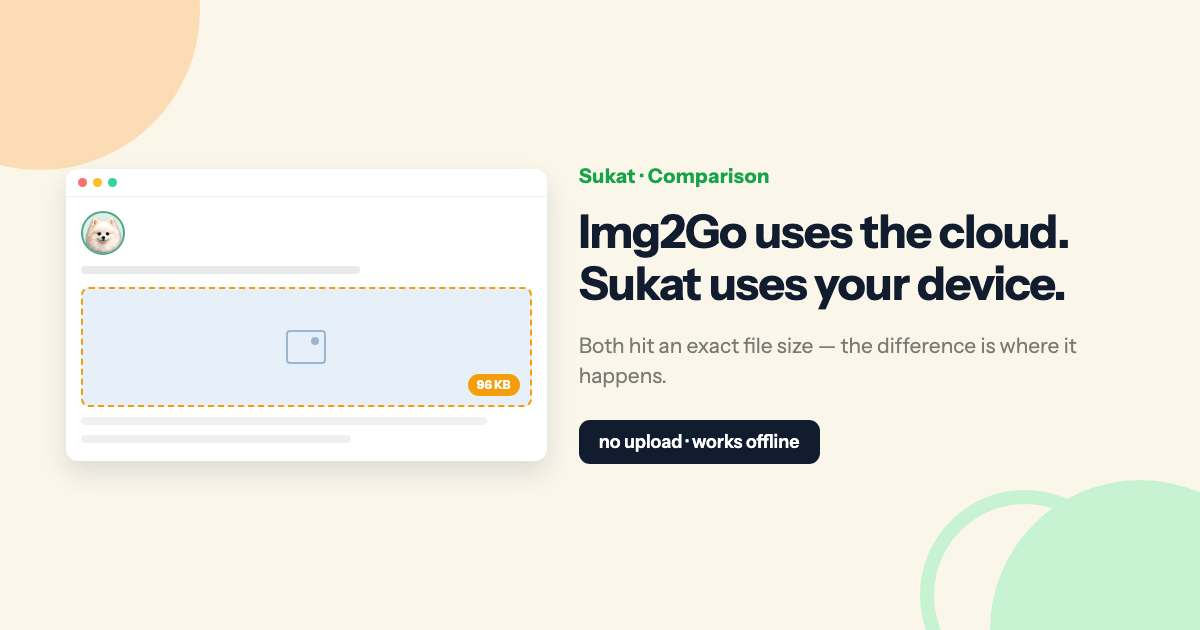
Here is the part that makes this comparison different from most. Both tools can hit an exact file size — Img2Go has a "target file size" mode, and Sukat is built around one — and both can save as WebP. So the choice is not really about the target field. It comes down to something more basic: whether your image is uploaded to a server, or never leaves your device at all.
What Img2Go does well
Img2Go is a hosted, all-in-one workbench, and a genuinely good one. Its compressor alone offers seven modes — a balanced default, extreme compression, lossless PNG, a target file size in KB or MB, a percentage of the original, a manual quality slider, and an option to strip metadata. Beyond compression, its converter handles well over a hundred formats, including HEIC, SVG, ICO, and PDF, and its AI tools cover upscaling, colorizing, restoration, and background removal. Files are encrypted in transit, deleted from the server on request, never watermarked, and never used for AI training, and you keep full copyright. For anyone who wants a single place to convert, edit, and enhance images — not just shrink them — it is a strong, trustworthy pick.
What Sukat does differently
Sukat is a single-purpose compressor that runs entirely in your browser. You drop an image, type a target — say 100 KB — and it runs a binary search across quality levels to find the sharpest result that still fits under your ceiling, saving as WebP or JPEG. There is no upload step and no queue, because the Canvas API does the work on your own machine. How It Works covers the encoder behavior if you want the mechanics.
Difference one — where your image goes
This is the difference that decides most real cases. Img2Go's compressor uploads your file to its servers, processes it there, and lets you delete it afterward; its handling is careful, with encryption and automatic deletion. Sukat's difference is architectural rather than a matter of policy: the file never leaves your device, so there is nothing to upload, nothing to delete, and nothing that could sit on someone else's server. For an ordinary holiday photo, that may not matter. For a scan of an ID, a signature, a bank form, or a contract, it changes the math — the safest upload is the one that never happens. It is the reason Sukat suits jobs like a passport photo or an upload-form image where you would rather not hand the original to anyone.
Difference two — offline, and no daily limit
Because the work happens locally, Sukat keeps running with no connection at all — on a plane, on hotel Wi-Fi, or anywhere the signal drops. Img2Go needs a connection to upload. And with no server doing the compressing, there is nothing to meter: Sukat has no per-day file cap and no account to create. Img2Go's free tier limits how many files you can process each day, with higher limits and heavier batch throughput reserved for its paid plans.
Sukat vs Img2Go, side by side
| Sukat | Img2Go | |
|---|---|---|
| Compress to an exact KB or MB target | Yes | Yes |
| Where compression runs | In your browser | On Img2Go's servers |
| Image uploaded to a server | No | Yes |
| Works offline | Yes | No |
| WebP output | Yes | Yes |
| HEIC straight into the compressor | Yes | No — convert first |
| Batch download as a single ZIP | Yes | Individual files |
| Daily usage limit | None | Free tier capped; more on paid plans |
| Wider suite (100+ convert, AI upscale, colorize, restore) | No | Yes |
Feature comparison as of July 2026; both tools update often. Img2Go's compressor accepts JPG, PNG, GIF, BMP, TIFF, and WebP — HEIC is handled by its separate converter.
What isn't different
A fair comparison should be clear about where these tools overlap, because plenty of "X versus Y" pages quietly oversell. Both compress to an exact KB or MB target. Both can output WebP. Both can remove a background, both work in many languages — Img2Go in even more than Sukat — and neither adds a watermark or forces a signup. If those were the features you were weighing, either tool will serve you. The real fork is narrower: on-device versus cloud, offline versus not, limits versus none, and one focused compressor versus a broad suite.
When Img2Go is the right choice
Reach for Img2Go when the task is bigger than compression. Converting between many formats — HEIC, SVG, PDF, RAW — upscaling or colorizing with AI, editing from a text prompt, pulling files straight from Drive or Dropbox, or wiring image steps into a Zapier or Make automation all play to its strengths. As a versatile, hosted image workbench, it is hard to beat.
When Sukat is the right choice
Reach for Sukat when the image should not leave your device, when you need to work offline, or when you are compressing the same kind of file to the same target over and over — IDs, passport photos, upload forms. It is also the quicker path when you want a single local pass: crop, drop the background, and land on an exact size without an upload, a queue, or a daily cap. If your photos come off an iPhone, it can take HEIC straight in and compress it in one step, and the image size guide covers the common targets.
The bottom line
This is not really an either/or. If you already lean on Img2Go for conversions and AI edits, keep it in your toolbox. Reach for Sukat the moment the answer to "should this image go to a server?" is no — or when you simply want the fastest local way to hit an exact file size.
Frequently asked questions
Can Img2Go compress to an exact file size?
Yes — Img2Go's compressor has a target-file-size mode (in KB or MB), so on the target field the two tools are even. The difference is where the work happens: Img2Go uploads the file to its servers, while Sukat runs the same target-size search in your browser with nothing uploaded.
Does Sukat upload my images the way Img2Go does?
No. Sukat processes everything locally via the Canvas API, so the image never leaves your device — there's nothing to upload or delete. Img2Go uploads to encrypted servers, processes there, and deletes the file afterward; careful, but still a round-trip.
Does Img2Go work offline?
No — it needs a connection to upload your file to its servers. Sukat keeps working with no connection at all, because the compression happens on your own machine.
Can Sukat compress HEIC photos directly?
Yes. Sukat reads HEIC and AVIF straight into the compressor, so an iPhone photo compresses in one step. Img2Go handles HEIC through its separate converter rather than the compressor.

About Sukat
Sukat builds free, privacy-first browser tools for compressing images and verifying published content. Everything runs in your browser — nothing is uploaded.