On-page SEO is the cheapest ranking work there is. No backlinks to chase, no agency retainer — just a handful of signals on each page that search engines read to decide what the page is about and whether it deserves to rank. Most of those signals are mechanical to check and quick to fix, which is exactly why a self-run audit pays off.
What changed in 2026 is who's reading. Alongside the traditional crawler, AI-powered search now indexes pages with its own requirements. A page that is clean for Google and legible to a language model — clear structure, accurate metadata, valid schema — is the page that shows up in both classic results and AI answers. The work is the same audit it always was, with a couple of additions.
Here's how to run that audit yourself, page by page.
What an on-page audit actually checks
A complete on-page pass covers a short list of pillars: the title tag and meta description, the heading hierarchy, the body content and its match to search intent, images, internal links, structured data, the canonical tag, and the page's Core Web Vitals. Each one is a yes/no question with a clear fix. The trick is to check every page consistently rather than eyeballing a few and hoping the rest match.
The five issues worth fixing first
Audit data from 2025–2026 keeps surfacing the same five problems on the same pages: missing or duplicate title tags, pages with no H1, broken internal links, images with no alt text, and Core Web Vitals failures — usually Largest Contentful Paint. They are also among the easiest issues to fix, which makes them the right place to start.
1. Titles and meta descriptions
Every important page needs a unique title tag and a unique meta description. Duplicates are the most common finding of all, and duplicate titles quietly compete against each other for the same query. Keep titles to roughly 50–60 characters so they don't truncate in results, and meta descriptions to about 150–160.
The hard part isn't writing one good title — it's catching the duplicates across a whole site. Sukat SEO checks each page's title and meta description against the rest of the same domain and flags anything that repeats, so cannibalised pairs surface immediately. For the length and character counts on a single page, Sukat Inspector shows the live title, meta, and canonical against ideal, warning, and error thresholds as you read the page.
2. One H1, in order
A page should have exactly one H1 that states its topic, with H2s and H3s nested logically beneath it — no skipped levels, no second H1 competing for the role. A clean heading outline is also what makes a page legible to AI search: a hierarchy that reads sensibly to a screen reader reads sensibly to a model. Sukat SEO's heading strip counts every H1 through H6 on the page, so a missing H1 or a stray second one is obvious at a glance.
3. Internal links and anchor text
Broken internal links waste crawl budget and dead-end your visitors; vague anchors like "click here" tell search engines nothing about the destination. The fix is descriptive anchor text pointing to relevant pages. Sukat SEO lists the internal and external links on a page and expands each one to reveal its anchor text, so thin or repetitive anchors are easy to spot and rewrite.
4. Images: alt text, weight, and format
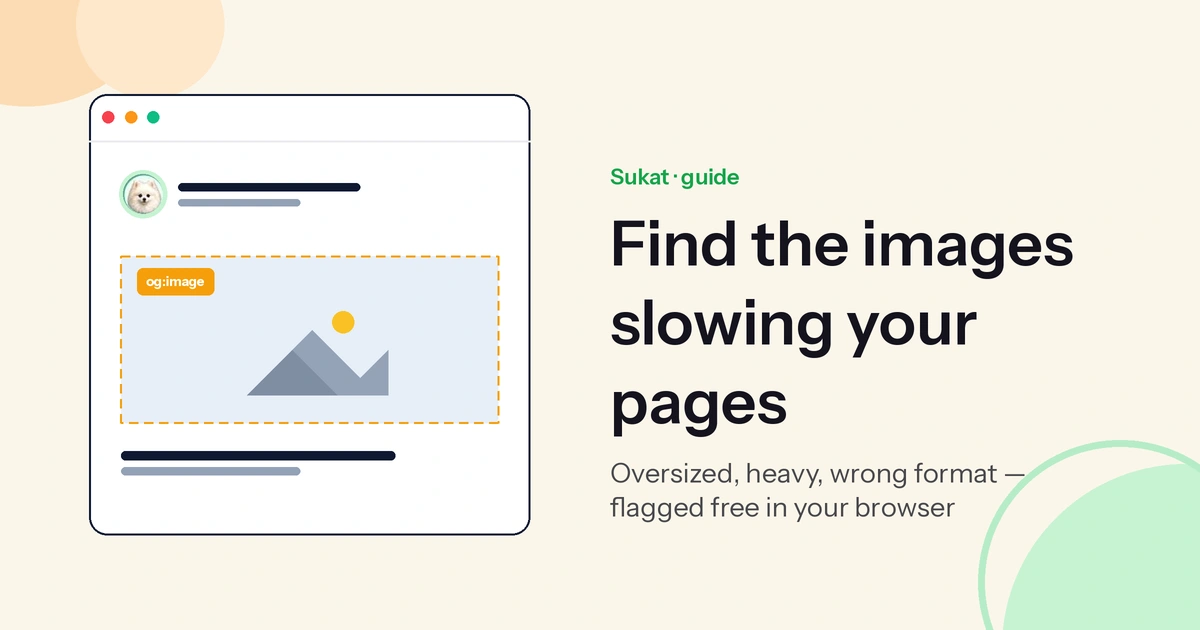
Images are the most overlooked on-page asset and the most common source of two separate problems at once. Every image needs descriptive alt text — it's how image search indexes the picture and how screen readers describe it — and every image should be compressed for delivery, sized with explicit width and height to avoid layout shift, and served in a modern format where possible.
Sukat Inspector inventories the images on a page: it flags broken ones, lists each file's dimensions and weight, and marks anything over a heavy-image threshold you set. Once the audit names the offenders, the Sukat compressor shrinks them to an exact target size — entirely in the browser, no upload — and handles HEIC and AVIF inputs along the way. That single step usually does more for the next problem than anything else on the list.
5. Core Web Vitals, starting with LCP
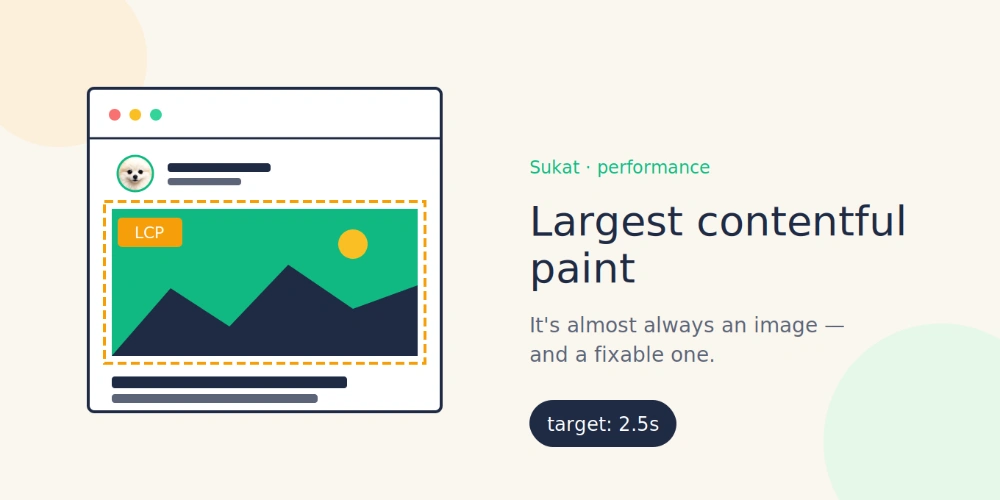
Largest Contentful Paint is the most common Core Web Vitals failure, and on most pages the largest element is an image: a hero, a banner, a product shot. An oversized hero is the single biggest LCP lever there is. Compressing it to a sensible byte budget, rather than shipping the original camera file, is the fastest win. Inspector surfaces the heavy images; the compressor brings them down to target without visibly degrading them.
The 2026 layer: be legible to AI search
The additions for 2026 are about machine legibility. Two are worth building into every audit.
Structured data. Add JSON-LD that accurately reflects what's on the page — Article or BlogPosting for posts, Organization and BreadcrumbList sitewide, FAQPage where there's a genuine question-and-answer block. Only mark up content that's actually visible; deceptive schema costs you rich-result eligibility. Sukat SEO breaks out each schema type it finds into its own card, so missing or mismatched markup is visible without reading raw source.
Social cards. The og:image, og:title, and og:description decide how a link looks when it's shared — and a missing or wrong card makes the link look broken in every feed. The 2026 standard is a 1200×630 image at a 1.91:1 ratio, kept under about 1MB. Sukat Inspector previews the exact card Facebook, LinkedIn, and X will render before the page ships, and the compressor sizes the og:image to spec.
A repeatable, page-by-page workflow
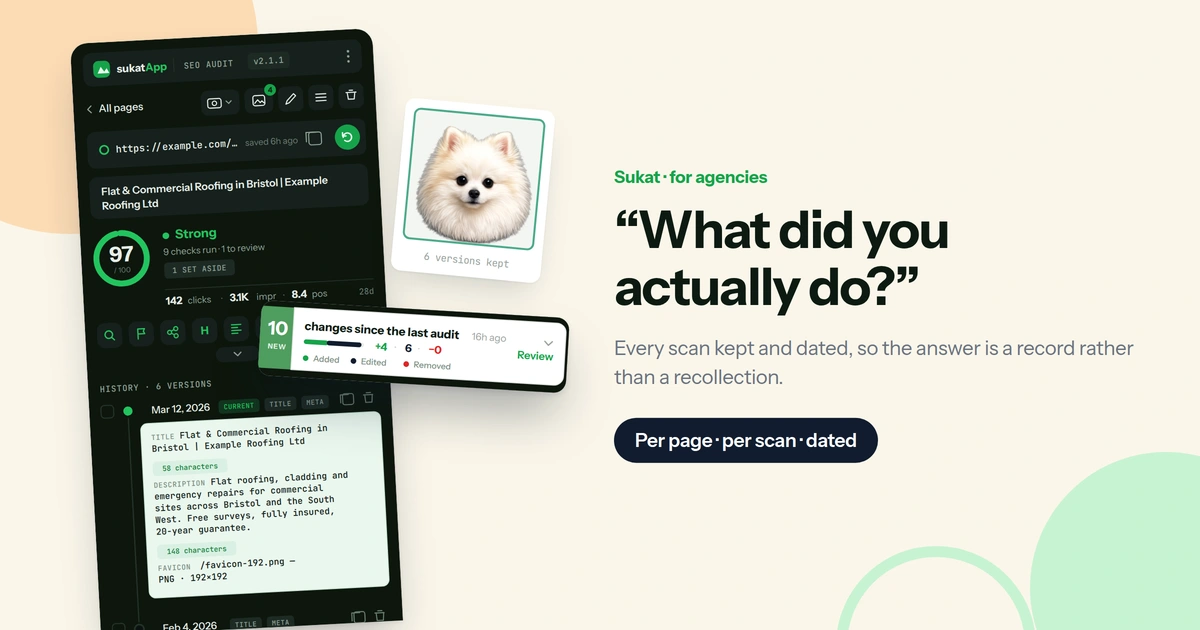
The reason most audits stall is that they're run once, as a project, and never again. A better model is one page at a time, on a loop: scan the page, fix what's flagged, re-scan to confirm, move to the next. Sukat SEO is built around exactly that rhythm — a board view with a per-page history and a domain rating — so progress stays visible and no page gets audited twice or skipped. Working through a site this way turns an intimidating "SEO project" into a short, repeatable checklist.
None of this requires enterprise tooling or a specialist. The signals are knowable, the fixes are mostly mechanical, and the wins compound: every page cleaned is a page that's eligible to rank in classic search and to be cited in AI answers. Run the audit once to clear the backlog, then again whenever a page changes.
Frequently asked questions
How often should you run an on-page audit?
Audit a page whenever its content changes, and sweep the whole site a couple of times a year. Pages drift — titles get edited, images get swapped, links break — and small regressions are cheapest to catch early.
Do you need paid tools to audit on-page SEO?
No. The on-page signals — titles, metas, headings, links, images, schema — are all readable directly from the page. Sukat SEO and Sukat Inspector surface them in the browser, and the Sukat compressor handles the image fixes the audit turns up.
Does image compression really affect rankings?
Indirectly but meaningfully. Compression doesn't add keywords, but it improves Largest Contentful Paint and overall page speed, both of which are confirmed ranking factors — and oversized images are the most common reason a page fails those checks in the first place.

About Sukat
Sukat builds free, privacy-first browser tools for compressing images and verifying published content. Everything runs in your browser — nothing is uploaded.