Squoosh has been the reference browser-based compressor since Google Chrome Labs shipped it in 2018, and it is still one of the best demonstrations of what a web app can do without a server. It is also, by design, a tool for tuning a single image very carefully.
Sukat was built for the other half of the problem: a form says 100 KB, the photo is 4 MB, and there is no interest in learning what chroma subsampling does. Both tools compress in the browser and neither sends the file anywhere. What separates them is the question each one answers.
The question each tool answers
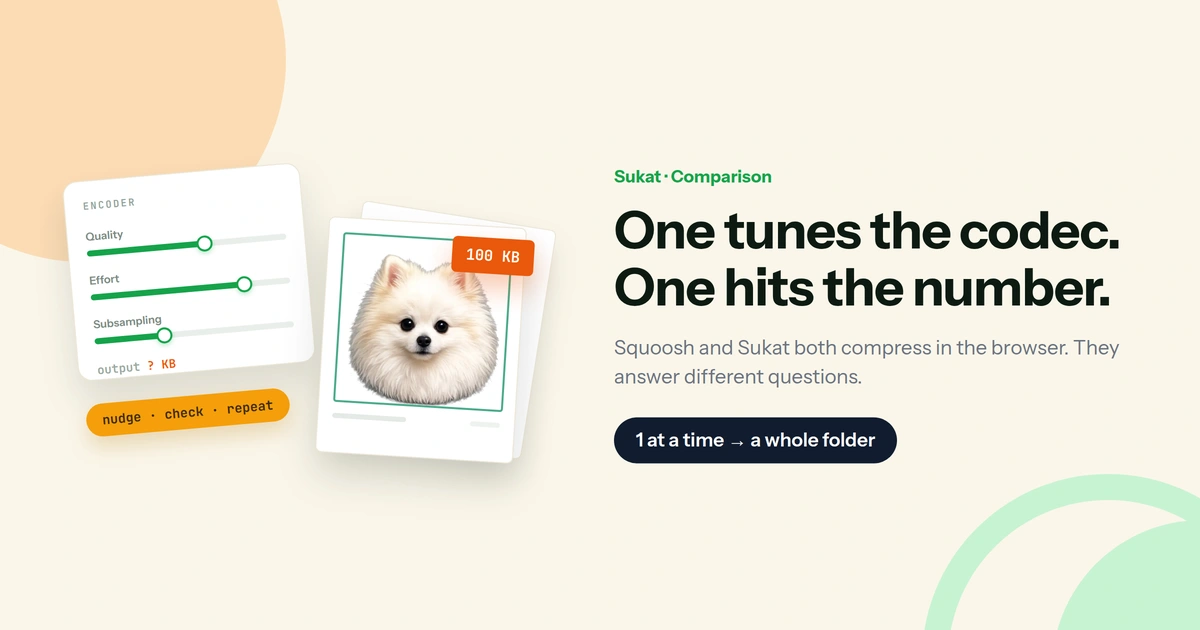
Squoosh answers "how small can this get before it looks bad?" You drag a quality slider, watch the preview, and stop when the artifacts show. The number at the bottom is whatever the encoder produced.
Sukat answers "this has to be under 100 KB — what's the best version that fits?" You type 100. The binary search tests quality levels, converges on the highest one that still lands under the ceiling, and stops. The number is the input, not the result.
That difference decides most of the rest. In Squoosh, you are the search algorithm — good when the target is a judgement call, tedious when the target is a hard number someone else set.
Where Squoosh is stronger
Squoosh's encoder depth is not matched anywhere else in a browser tab. It exposes the settings most tools bury: MozJPEG's trellis quantisation and chroma subsampling, PNG effort levels and palette reduction, AVIF and WebP encoder passes. For anyone who wants to understand why one file is smaller than another, it is the best teaching tool available.
Three things it does that Sukat does not:
- Encoder-level control. Individual codec parameters, not just a quality percentage.
- A split-screen visual diff. Drag a divider across the image to compare original and compressed at the same spot — the fastest way to find where a codec starts to break down on a specific photo.
- Open source and self-hostable. It is on GitHub under Apache 2, so teams that cannot route work through any third-party site can run their own copy.
If the task is picking a format and quality strategy for a site — deciding whether AVIF is worth it over WebP for a particular hero image — Squoosh is the better instrument.
Where Sukat is stronger
A target size field. Squoosh has no place to type a number. Hitting exactly 100 KB means nudging the slider, checking the output, and nudging again. Sukat takes 20 KB, 100 KB, 500 KB, 2 MB or anything in between as an instruction.
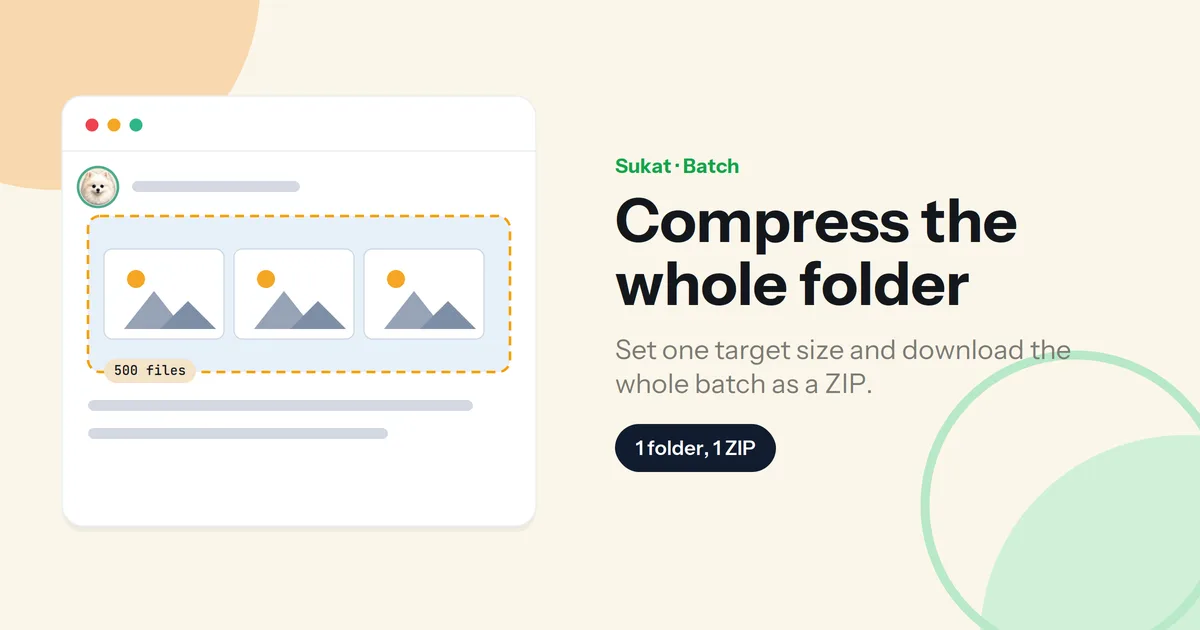
Volume. Squoosh works on one image at a time; batch processing has been its most-requested missing feature for years. Sukat takes a folder, applies one target to every file in it, and returns a ZIP.
HEIC input. Squoosh does not decode HEIC, so an iPhone photo has to be converted before it can even be opened. Sukat reads HEIC directly — which matters, because HEIC is the reason most phone photos get rejected by upload forms in the first place.
The rest of the job. ID and passport uploads usually need a crop and a size, not just a size. Sukat crops and compresses in one pass, and removes backgrounds locally too. Squoosh resizes, but does not crop.
Ten languages. Squoosh's interface is English-only.
Side by side
| Sukat | Squoosh | |
|---|---|---|
| Exact KB / MB target | Yes | No — quality slider only |
| Batch processing | Yes, with ZIP output | One image at a time |
| Encoder-level settings | Quality and format | Full codec parameters |
| Visual before/after | Live quality preview | Split-screen diff |
| HEIC input | Yes | No |
| AVIF input | Yes | Yes |
| Crop | Yes | Resize only |
| Background removal | Yes | No |
| Output formats | WebP, JPEG, PNG, ICO | WebP, JPEG, PNG, AVIF, JPEG XL |
| Runs locally, no upload | Yes | Yes |
| Works offline | Yes | Yes |
| Interface languages | 10 | English |
| Open source | No | Yes, Apache 2 |
Feature comparison as of July 2026; both tools update often.
Which one to open
Open Squoosh when the goal is understanding or tuning: comparing codecs on one important image, testing how far AVIF can go before it smears a gradient, or setting a house quality standard for a site's images.
Open Sukat when the goal is a number: a portal caps uploads at 300 KB, a folder of forty product shots all need to clear the same ceiling, the source file is a HEIC off an iPhone, or the photo needs cropping to 2×2 before it goes anywhere. The image size guide lists what most platforms and portals actually require.
Using both is reasonable. Squoosh is a good place to decide that WebP at quality 78 is the right house standard; Sukat is where that decision gets applied to two hundred files without opening each one.
Also worth reading: Sukat vs TinyPNG, which covers the other end of the spectrum — a tool that makes every decision automatically.
Frequently asked questions
Is Squoosh better than Sukat?
They solve different problems. Squoosh gives finer control over one image; Sukat hits an exact file size and handles a batch. For a hard upload limit or a folder of files, Sukat is faster. For codec-level tuning of a single important image, Squoosh is better.
Can Squoosh compress to a specific file size?
Not directly. Squoosh has no target-size field, so reaching an exact size means adjusting the quality slider, checking the resulting file size, and repeating until it fits. Sukat takes the target as an input and searches for the quality that meets it.
Can Squoosh compress multiple images at once?
No. Squoosh processes one image per session — batch handling has been the project's most-requested addition for years. Sukat compresses a whole folder against a single target and downloads the results as a ZIP.
Does Squoosh upload images to a server?
No, and neither does Sukat. Both compress entirely in the browser using local processing, so the file never leaves the device in either tool.
Can Squoosh open HEIC files from an iPhone?
No. HEIC has to be converted to JPEG or PNG before Squoosh can read it. Sukat decodes HEIC in the browser and can convert and compress it in the same step.
Is Sukat open source?
No. Sukat is free with no account, no watermark and no upload, but the source is not published. Squoosh is open source under Apache 2 and can be self-hosted.

About Sukat
Sukat builds free, privacy-first browser tools for compressing images and verifying published content. Everything runs in your browser — nothing is uploaded.