Most advice on auditing a website assumes you are auditing someone else’s. It opens with crawling the whole domain, exporting to a spreadsheet, and building a prioritised findings document — which is the right process when someone is paying for a deliverable, and the wrong one when the site is yours.
You already know your site. You do not need a report. You need to know which of your pages have something wrong with them, and what.
This is that method. It takes about ten minutes for a first pass, it runs on the page you already have open, and it costs nothing.
Start with three pages, not the whole site
The instinct is to crawl everything. Resist it, at least at first. A full crawl of a site nobody has audited produces hundreds of findings, most of them the same finding repeated on every page. Two hundred pages missing a meta description is one problem with your template, not two hundred problems.
Pick three pages that differ from each other. Your homepage, one page that earns traffic, and one page you have never thought about. The gap between those three tells you more than the crawl would, because it separates what your template does from what a particular page does.
The nine things worth checking
An on-page audit is not mysterious. It is the same nine areas every time, and they fall into a natural order — the ones that decide whether a page can rank at all come first, the ones that decide how well it ranks come after. They are also, not by coincidence, the nine cards Sukat SEO scores on any page you point it at.
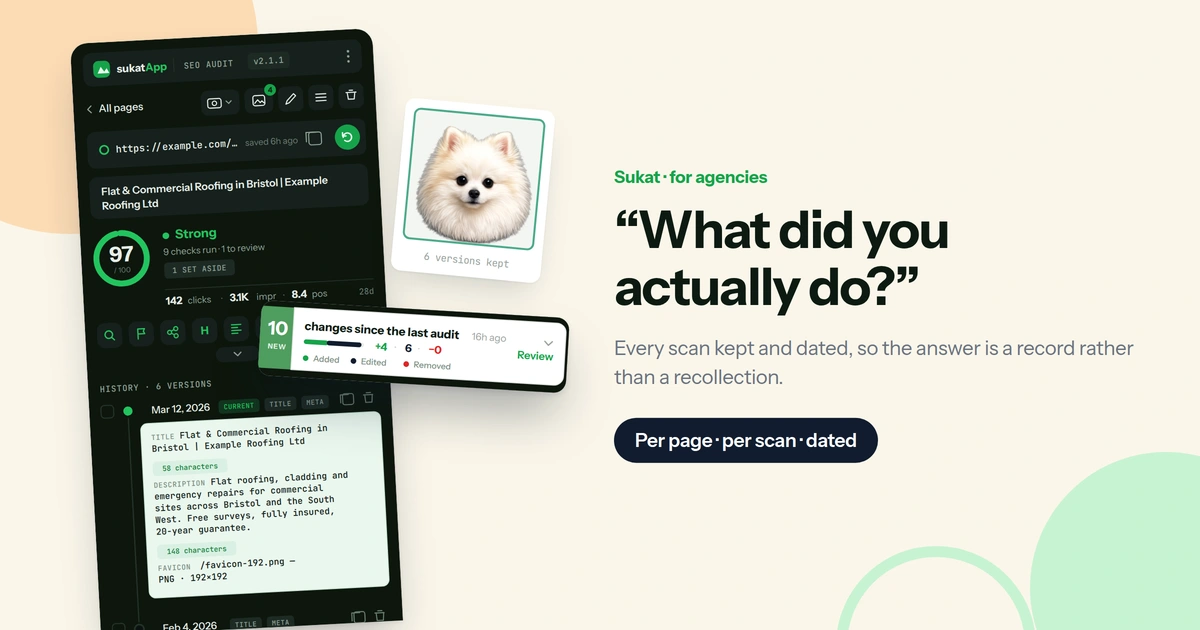
1. The search snippet. The title and meta description are what appears in Google’s results. A title over roughly 60 characters is cut off; a missing description means Google writes its own, usually from the first paragraph, usually badly. The difference between 58 and 64 characters is invisible in an editor and obvious in a search result, which is why the panel prints the exact count rather than a verdict — you can see how much room is left before the truncation point.
2. The canonical. The tag that tells Google which URL is the real one when several could show the same content. A page with no canonical, or one pointing somewhere unexpected, is the most common cause of “my page is not indexed” — the page is fine, Google has simply been told it is a copy of something else. The check resolves the tag to its final URL and compares it to the page you are standing on, so a canonical pointing at a redirect does not pass quietly.
3. Heading structure. One H1, and levels that descend in order. Three H1s or a jump from H2 to H4 is not a penalty, but it is a reliable sign that the template is doing something the writer did not intend. The outline is rebuilt from the rendered page and shown as a tree, which makes a stray H1 in a sidebar or a cookie banner obvious in a way that view-source never does.
4. Page content. How much real copy the page carries, as distinct from navigation, footers and boilerplate. Thin is not always wrong — a contact page is allowed to be short — but a service page with ninety words will lose to anyone who wrote three hundred. The word count excludes chrome, so it reflects what the page is actually about.
5. Links. Internal, external, broken, redirected. Broken links are the obvious find; the more useful signal is what a page links out to internally, because that is how authority moves around a site. A page nothing links to is a page Google reaches late and values little. Every link is requested live and counted once per unique URL, so forty instances of the same dead footer link read as one broken link rather than forty.
6. Images. Missing alt text, and files far larger than the size they display at. Both are ordinary and both compound — forty images at 800 KB each is a slow page, and a slow page costs rankings whatever else is right. The oversize test compares each file’s natural dimensions against the size it is actually rendered at, doubled for retina screens, so it flags genuine waste rather than every image on the page.
7. Page speed. Measured on the page as loaded, not on a synthetic test of a page you do not recognise. What matters is which signal is furthest outside the range Google accepts, and that is the one surfaced first.
8. Open Graph and Twitter tags. These do not affect ranking at all. They affect what happens when someone shares the page — worth checking once per template, then forgetting about.
9. Structured data. JSON-LD, validated against what Google actually requires for a rich result. A block with a missing required property does not fail loudly. It simply never produces the rich result it was added for, silently, for as long as it is left alone. The check names the missing property and the rich-result type it belongs to, which is the difference between knowing something is wrong and knowing what to type.
Do it in the browser, not in a spreadsheet
Every one of those nine can be checked by hand. Open the page source, find the title tag, count the characters, look for the canonical, count the H1s, open the network tab for the images. It works, and it takes about twenty minutes a page — which is why nobody does it more than twice.
The alternative is to let the browser do it. Sukat SEO is a free Chrome extension that runs all nine checks against the tab you already have open and scores each one pass, review, or fix. It reads the page as rendered rather than as served, so it sees what a visitor sees — including anything a script added after the fact, which is most of the page on a modern site.
What comes back is not a report to read later. It is a scored panel beside the page, one card per check, each expanding to the findings underneath it. Any finding can be clicked to jump straight to the element it refers to on the live page — the actual H2 that skipped a level, the actual image with no alt text — so there is no step where you go looking for the thing the tool just told you about.
Fix something, hit re-audit, and the score updates against the page as it now stands. Three pages, three scans, about ten minutes.
Which findings actually matter
This is the part most audit guides skip, and it decides whether the audit was worth doing. The three-way scoring exists for exactly this reason: a check that passes, a check that needs a decision, and a check that is simply broken are three different things, and a flat list of problems hides the difference.
A finding marked fix stops the page working as intended — no canonical, a broken internal link, structured data that fails to parse. These are worth doing today, and there are usually fewer of them than expected.
A finding marked review is a judgement call. A 64-character title is flagged, but if those 64 characters are the right ones, leave it. A page with 140 words is flagged, but a contact page is allowed to be short. The tool cannot know your intent; it can only tell you where to apply it.
Decide once and move on. A finding you have read and deliberately declined is not the same as one you have not read yet, and treating them alike is why most people abandon audits — the list never gets shorter, so it stops feeling like progress.
Then look for the pattern
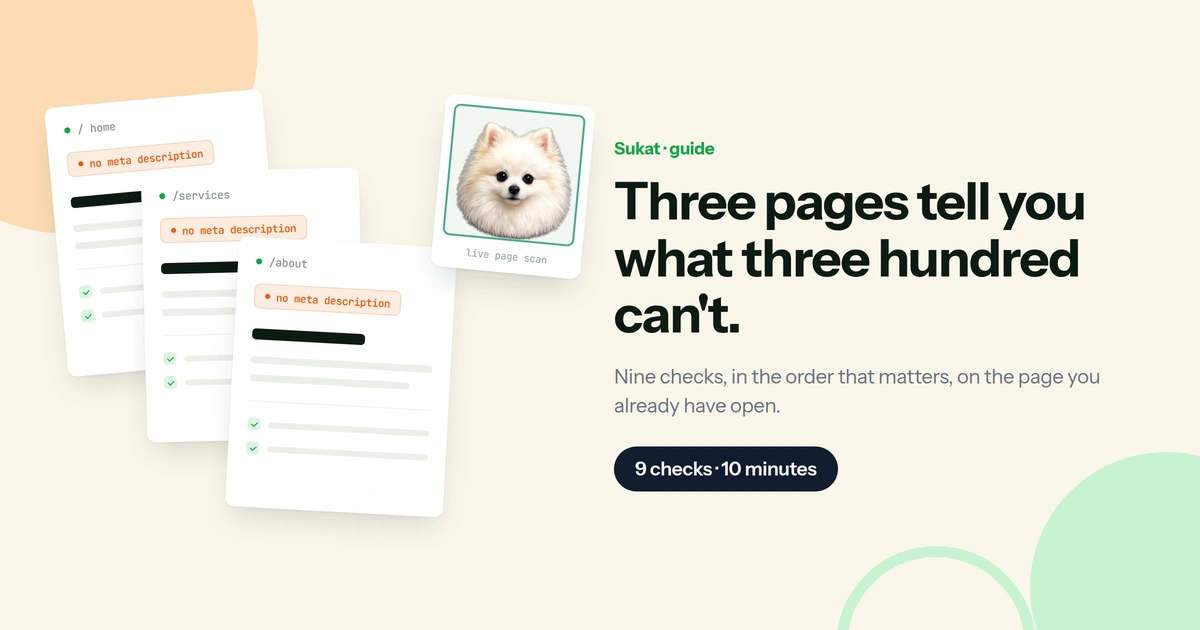
Once three pages are scanned, look at what they have in common. If all three are missing meta descriptions, that is a template problem and one fix handles every page on the site. If all three carry the same duplicate H1, the same. If only one page has the problem, it belongs to whoever wrote that page.
This is the whole reason for starting with three rather than three hundred. The pattern is visible at three and buried at three hundred.
Scans are kept, so the comparison does not depend on remembering what the first page looked like by the time you reach the third. A page’s own history stays on the free tier, which means the before-and-after of a fix is available without paying for anything. After a template change, that is the fastest way to confirm the fix landed where it was supposed to.
Once the template-level problems are fixed, a full pass over the rest of the site is worth running — and at that point it finds genuinely page-specific issues, because the repeated ones are already gone.
What to do next week
An audit is not a one-time event, and the useful cadence is lower than most advice suggests. Once a quarter is plenty for a stable site. What matters more is auditing a page when it changes — a redesign, a template update, a plugin change — because those are the moments a canonical goes missing or an H1 quietly becomes an H2 across four hundred pages.
The other trigger worth watching is a page that used to earn clicks and stopped. That is almost never a content problem. Something structural changed underneath it, and an audit of that one page will find it faster than any amount of rewriting.
Connecting Search Console puts that evidence in the same panel as the audit. The queries a page ranks for sit beside the nine checks for that same page — so a query that fell off and a canonical that changed are visible in one place, rather than in two tools that never agree on which URL they are talking about. That per-page view is free, and so is the page’s own scan history. Pro adds the whole-property picture: the Search tab, with clicks and impressions over time, top queries and top pages, and device and country splits; bulk Search Console sync across a site rather than a page at a time; and bulk re-auditing with version history. $29 once, five browser profiles, no subscription. The nine checks stay free.
On-page is one layer. If the images turn out to be the problem, Sukat Inspector goes deeper on that one — every image on the page, its real weight, and what it is costing you. And if the pages look right and Google still is not reaching them, the next place to look is the crawl layer — the sitemap, robots.txt and what the bots are allowed to see — which is what Sukat Crawler covers.
Frequently asked questions
How long does auditing your own site actually take?
About ten minutes for a first pass over three pages. A full-site sweep takes longer, but it is worth running only after the template-level problems are fixed — otherwise it returns the same finding hundreds of times.
Do you need to crawl the whole site first?
No, and on your own site it is the wrong order. A crawl of an unaudited site produces mostly one problem repeated: two hundred pages missing a meta description is one template problem, not two hundred page problems. Three well-chosen pages surface that faster.
How often should you re-audit?
Once a quarter is plenty for a stable site. What matters more is auditing a page when it changes — a redesign, a template update, a plugin change — because those are the moments a canonical goes missing or an H1 quietly becomes an H2 across four hundred pages.
Which findings can you safely ignore?
Open Graph and Twitter tags do not affect ranking; they change what a shared link looks like, so check them once per template. Anything marked review is a judgement call — a 64-character title is fine if those are the right characters, and a contact page is allowed to be short.

About Sukat
Sukat builds free, privacy-first browser tools for compressing images and verifying published content. Everything runs in your browser — nothing is uploaded.