Open your last blog post on LinkedIn. Then Twitter. Then Facebook. Send the URL to someone on Slack.
The thumbnail looks different on every one. Sometimes cropped. Sometimes pixelated. Sometimes the platform decided your image wasn't worth showing and fell back to a favicon. Sometimes it just doesn't load.
It's almost never the metadata. The og:image tag is sitting right there in your <head> element. The problem is the image itself.
What og:image actually is
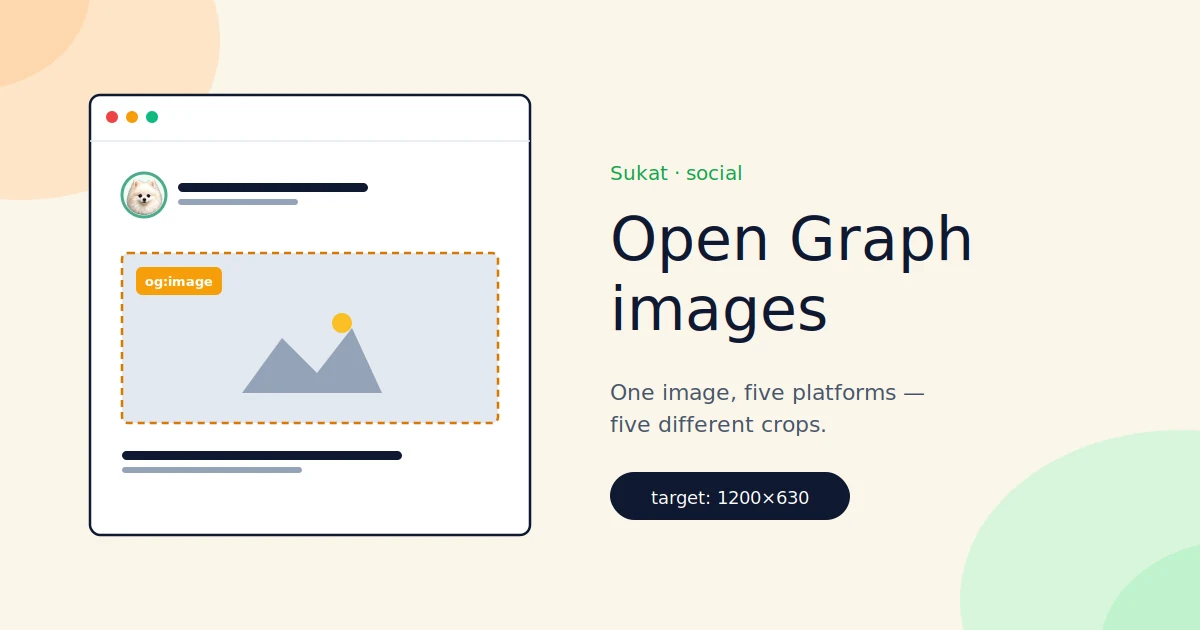
The Open Graph protocol was invented by Facebook in 2010. Basically every social platform and search engine adopted it. The most important tag is og:image, the URL of the image to show in the preview card.
Twitter layered its own spec on top (twitter:image). LinkedIn reads OG. Slack, Discord, and iMessage all read OG. Google sometimes uses it in image search and AI Overviews. One image gets reused across all of those surfaces, and you only get to ship one URL per og:image tag.
The image has to survive every one of them.
Three ways it breaks
The first is weight. A typical case: a blog ships its 3.2 MB hero image as the OG. LinkedIn rejects anything over 5 MB. Facebook accepts it then crushes it on their end, which usually looks worse than if a pre-compressed version had been shipped. Twitter caps at 5 MB. iMessage has a small undocumented cap that will get hit eventually.
The second is aspect ratio. The OG spec recommends 1200×630, a 1.91:1 ratio. Twitter accepts that or 2:1. LinkedIn renders 1.91:1 cleanest. Many sites ship something square because the CMS auto-generated it from the post hero. Square gets center-cropped to 1.91:1 on every platform, which means title text near the edges gets sliced off.
The third is missing entirely. No og:image set. Platforms fall back to the first reasonable image they can find on the page, or your favicon, or nothing. The first reasonable image is rarely the one you'd choose.
There's a fourth mode that doesn't get talked about. The image is right but Google never sees it because the image SEO side is wrong: undescriptive filename, no alt text, no structured data. That's a separate fix from the social one, even though it's usually the same image.
Why this is worse than it was two years ago
A broken social preview used to be an aesthetic problem. You'd shrug. Now it's the click-through bottleneck because the preview card is most of the impression people get on LinkedIn and Twitter. They don't click out to your page first. They scroll the preview, decide whether to click, then maybe click.
If your preview looks like junk, they scroll past.
Search engines started caring too. Google's helpful content systems weight visual content harder than they used to. OG images now show up in AI Overviews and rich results. A bad one is no longer just a vanity issue.
Sukat Inspector finds the broken ones
Sukat Inspector is a Chrome extension that reads every image on a page including the ones in your <head> element. The Social & SEO Images panel pulls:
og:imageURL, dimensions, file size, formattwitter:imageURL, dimensions, file size, format- Whether they match each other
- Whether they hit the recommended 1200×630
- Whether the file size is within a platform-friendly budget
Open a page, click Inspector, scroll to the Social & SEO Images panel. You see actual sizes and warnings for each image in about two seconds. No View Source, no manual fetch, no devtools tab.
Broken rows turn amber or red. Clean ones stay quiet.
Sukat fixes them
Once Inspector flags an OG image, Sukat handles the repair.
- Take the source image at whatever size your design tool exported
- Drop it in Sukat
- Crop to 1200×630 if it's not already
- Set the target file size to 300 KB
- Download, replace in your CMS
Every step runs in the browser. The image never uploads anywhere. No signup, no watermark.
Why 300 KB? Because that's roughly where the major platforms stop re-compressing on their end. Anything bigger and they degrade it themselves, which you don't control. Anything smaller and you're leaving visible quality on the table. 300 KB is the sweet spot for 1200×630.
Tighter targets if you want them: Twitter prefers ≤200 KB, LinkedIn renders best at ≤300 KB, Facebook is fine up to 500 KB but visibly recompresses heavier files. Slack and Discord don't recompress at all, so whatever you ship is what people see. Keep it light.
Sukat hits any of those exactly. No dragging a quality slider until something looks acceptable.
The workflow that actually works
For regular publishing, set this up once and forget about it.
Build one OG template in Figma at 1200×630. Every post fills the same template with new title text. Export at PNG or JPG. Push it through Sukat at a 300 KB target before deploying. Inspector confirms it lands clean after.
For sites with a lot of pages, the export step is where you automate. The compression step still happens through Sukat or the same logic in your build pipeline. The dimensions and the 300 KB ceiling don't change.
A note on image SEO proper
OG is one half of the image story. The other half is image SEO — what affects whether your images show up in Google Image Search and contribute to your page's ranking signal:
- Descriptive filenames (
pomeranian-puppy-grooming.jpgbeatsIMG_2483.jpg) - Alt text that describes the image without stuffing keywords
- Compressed file sizes so images don't drag your Core Web Vitals down
- WebP or AVIF where supported
- Dimensions set in the
<img>tag so they don't cause layout shift (see the CLS post)
Inspector audits all of these in the Page Images panel below the Social & SEO one. Anything missing alt, oversized for its rendered size, or in a slow format gets flagged.
The summary
Your OG image is one file doing four or five jobs on four or five platforms. If it's heavy, mis-sized, or missing, every share you publish underperforms. You usually don't see the failure because you're looking at your own post on your own desktop where everything renders fine.
Inspector finds the broken ones. Sukat fixes them.
Frequently asked questions
What dimensions should an OG image be?
The Open Graph spec recommends 1200×630, a 1.91:1 ratio. Twitter accepts that or 2:1, and LinkedIn renders 1.91:1 cleanest. A square image gets center-cropped to 1.91:1 on every platform, which slices off title text near the edges.
Why target 300 KB for an OG image?
300 KB is roughly where the major platforms stop recompressing on their end. Anything bigger and they degrade it themselves in a way you don't control; anything smaller and you're leaving visible quality on the table. It's the sweet spot for 1200×630.
Do all platforms recompress my OG image?
No. Facebook accepts heavier files then crushes them on their end, and visibly recompresses anything heavy. Slack and Discord don't recompress at all, so whatever you ship is exactly what people see. Twitter prefers ≤200 KB and LinkedIn renders best at ≤300 KB.
What happens if I don't set an og:image at all?
Platforms fall back to the first reasonable image they can find on the page, or your favicon, or nothing. The first reasonable image is rarely the one you'd choose, so the preview card ends up looking like junk.

About Sukat
Sukat builds free, privacy-first browser tools for compressing images and verifying published content. Everything runs in your browser — nothing is uploaded.